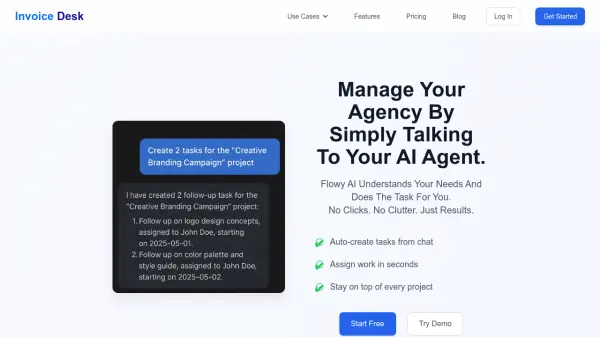
What is Invoice Desk?
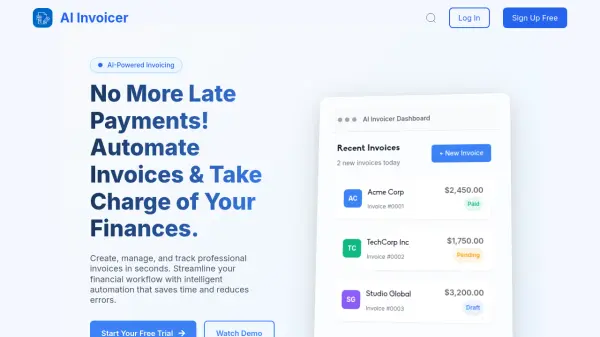
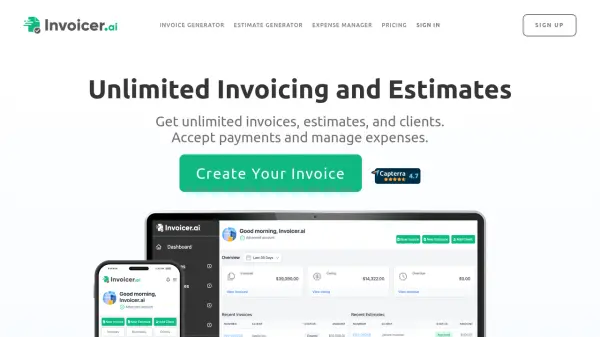
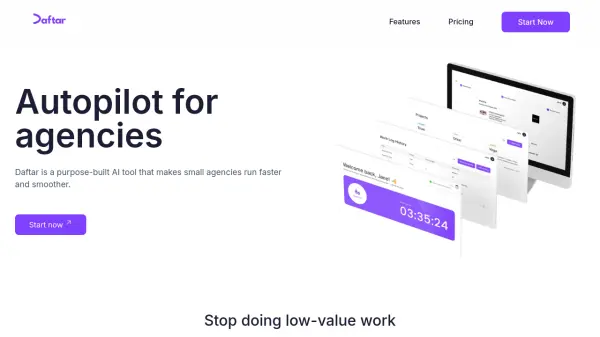
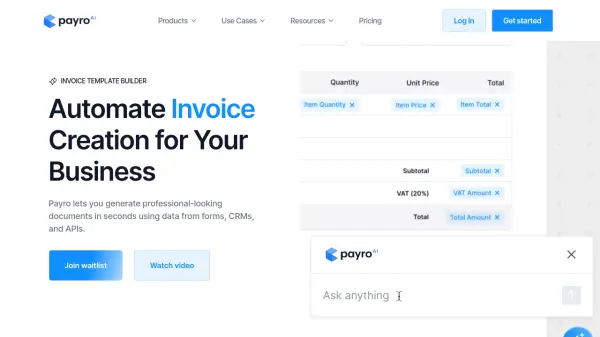
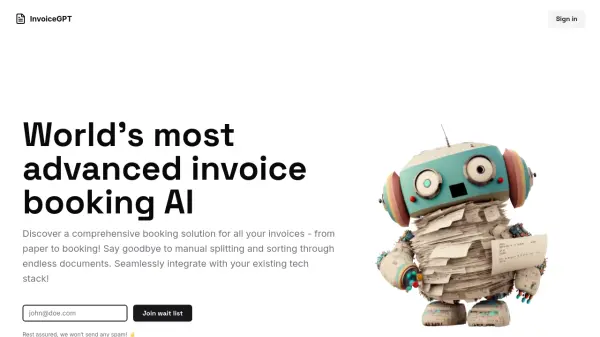
Invoice Desk is an all-in-one platform designed to streamline agency operations by harnessing the power of conversational AI. Tailored for solo professionals and small teams, it provides an intuitive interface where users can manage projects, track time, and send invoices simply by interacting with an AI agent, eliminating the need to juggle multiple tools. The solution centralizes workflow management with features such as AI-powered invoice importing, automated task creation from chats, and easy integration with popular tools like Trello and Jira.
By consolidating essential functions, Invoice Desk reduces manual work and clutter, enabling users to focus on their clients without distractions. Its instant setup, seamless integrations, and user-controlled AI actions ensure a smooth, simplified experience that boosts productivity while providing complete oversight over every project and payment task.
Features
- Conversational AI Agent: Perform tasks via chat without manual clicks
- AI-Powered Invoice Import: Instantly set up and process invoices using artificial intelligence
- Integrated Project Management: Track hours and manage tasks in a single dashboard
- Automated Task Creation: Generate and assign work directly from chat prompts
- Team Management: Assign and monitor tasks for team members
- Recurring & One-Off Invoicing: Automate billing and payments
- Seamless Integrations: Connect with Trello, Jira, and other core business tools
Use Cases
- Automating project management for small agencies
- Simplifying time tracking and billing for freelancers
- Managing task assignments via conversational AI
- Centralizing invoicing and payment processing
- Integrating workflow with existing project management tools