What is Insignary Clarity?
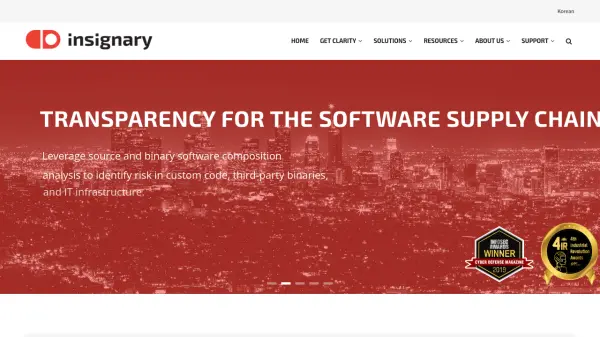
Insignary Clarity uses advanced AI algorithms and patented binary fingerprinting technology to deliver comprehensive software composition analysis (SCA). It helps organizations manage and secure their software supply chain by scanning both source code and compiled binaries, including applications, embedded firmware, containers, and IT infrastructure, for open source components and known vulnerabilities.
The platform generates a Software Bill of Materials (SBOM), detects license and vulnerability risks, and provides in-depth remediation guidance tailored for developers. Clarity stands out by enabling risk assessment even when source code is unavailable, ensuring transparency, continuous security monitoring, and compliance for organizations across on-premise, cloud, or hybrid environments.
Features
- Binary & Source Code Scanning: Identifies open source components in both source and compiled binary code
- SBOM Generation & Management: Automatically produces, imports, and exports software bills of materials in multiple formats
- Vulnerability Detection: Maps SBOMs to known security vulnerabilities and provides real-time alerts
- License Risk Assessment: Evaluates open source license compliance and flags restrictive licenses
- Developer-Focused Remediation: Offers detailed vulnerability insights and actionable remediation steps for developers
- Patent Litigation Alerts: Notifies users about components involved in patent litigation
- Information Leakage Detection: Identifies sensitive information such as personal data and hard-coded credentials in files
- Flexible Deployment: Supports SaaS, on-premise, and hybrid implementations
- IT Infrastructure Support: Delivers continuous SBOM and vulnerability alerts for IT assets and containers
Use Cases
- Identifying security vulnerabilities in open source software components
- Ensuring compliance with open source license obligations
- Generating and managing SBOMs for both source and binary code across development cycles
- Securing embedded firmware, cloud applications, and IT infrastructure assets
- Detecting information leakage and hard-coded credentials in distributed software packages
- Receiving proactive alerts on patent litigation risks associated with third-party components
- Providing remediation guidance to developers for detected vulnerabilities
FAQs
-
What deployment options does Clarity offer?
Clarity supports SaaS, on-premise, and hybrid deployment models to accommodate different organizational requirements. -
Can Clarity scan binary files without source code access?
Yes, Clarity can identify open source components and security risks in compiled binaries even if the original source code is not available. -
Does Clarity provide vulnerability remediation guidance?
Clarity offers detailed vulnerability insights and remediation steps tailored for developers to help them address security issues efficiently. -
What formats does Clarity support for SBOM import and export?
Clarity supports standard SBOM formats such as SPDX and CycloneDX for seamless import and export. -
How can I try Clarity before purchase?
You can request a free 14-day trial of Clarity by contacting Insignary through their website.