
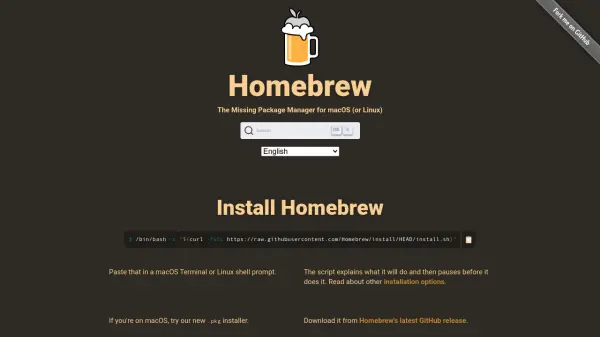
What is Homebrew?
Homebrew is a package manager designed for macOS and Linux systems, enabling users to install software and dependencies that are not included by default. It operates through a command-line interface, allowing installation of packages to a dedicated directory and creating symbolic links for easy access. The tool supports both open-source packages and macOS applications, fonts, and plugins via Homebrew Cask.
Built on Git and Ruby, Homebrew allows users to create and edit their own packages through simple Ruby scripts. It provides extensive documentation, community support, and analytics, making it a versatile tool for developers and system administrators to manage software efficiently without administrative privileges.
Features
- Package Installation: Installs software and dependencies via command-line commands like 'brew install'.
- Homebrew Cask: Extends functionality to install macOS apps, fonts, and plugins.
- Custom Package Creation: Allows users to create and edit their own packages using Ruby scripts.
- Git Integration: Built on Git for easy modification, reversion, and updates.
- Symbolic Linking: Installs packages to their own directory and symlinks files for system access.
Use Cases
- Installing command-line tools and libraries on macOS or Linux.
- Managing software dependencies for development projects.
- Setting up development environments with required packages.
- Installing macOS applications without using the App Store.
- Creating and distributing custom software packages.