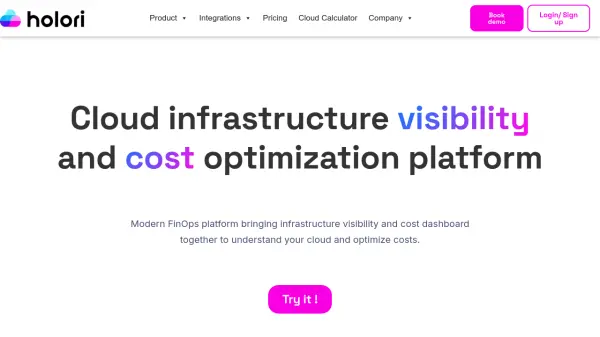
What is Holori?
Holori delivers a unified platform for managing cloud infrastructure and expenses, catering to enterprises working across AWS, Azure, GCP, and other providers. The system consolidates cost data into a single dashboard, enabling users to filter, allocate, and visualize their cloud spend efficiently. Advanced AI-driven recommendations help identify unused resources, rightsizing opportunities, and potential savings to optimize cloud bills.
The platform also offers automated infrastructure documentation and monitoring, with daily or weekly diagram generation for all assets. Features such as custom alerting, budgeting, and virtual tagging help keep users informed and empowered to implement cost control best practices. Designed for scalability, Holori supports unlimited accounts and team members, making it suitable for organizations of any size.
Features
- Unified Dashboard: Centralizes cloud expenses from multiple providers.
- AI-Driven Cost Recommendations: Identifies savings through rightsizing, unused resources, and committed discounts.
- Automated Infrastructure Diagrams: Generates daily or weekly visual documentation of cloud assets.
- Custom Alerts and Budgeting: Enables alerts for overspend and budgeting controls.
- Unlimited Integrations: Supports multiple accounts and popular cloud providers.
- Virtual Tagging: Maintains consistent tagging policies across providers.
- Infrastructure Monitoring: Tracks changes and configurations of cloud infrastructure.
- Asset Inventory: Maintains up-to-date inventory of cloud assets.
Use Cases
- Centralizing multi-cloud spend into one comprehensive dashboard
- Implementing AI-based cloud cost optimization strategies
- Automating infrastructure diagram generation for compliance and documentation
- Monitoring changes across cloud resources in real time
- Setting up custom alerts for budget thresholds and unusual spending
- Allocating cloud costs across departments and teams
- Maintaining a consistent tagging policy for resource management
FAQs
-
Can the software be tried for free?
Yes, Holori offers a 14-day free trial with access to all features and a free tier for companies with monthly cloud spend under $3,000. -
How do I upgrade my plan?
Upgrades can be made directly within the application via the profile billing section, with plan suggestions based on the user's last month’s total cloud spend. -
What happens if my costs exceed my plan's limit?
If cloud spend exceeds the current plan’s limit, Holori automatically upgrades the plan at the beginning of the following month to match the new spend level. -
Does Holori support multiple cloud accounts and users?
Yes, all tiers include unlimited users and support for any number of AWS, GCP, or Azure accounts. -
Is it possible to subscribe to only infrastructure visibility features?
Yes, a custom plan is available for customers who require only the infrastructure visibility and diagram capabilities.