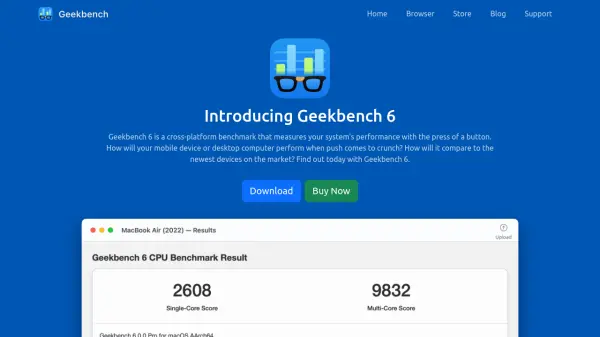
What is Geekbench?
Evaluate system performance across various devices and operating systems with a comprehensive benchmarking solution. Geekbench utilizes practical, everyday scenarios and datasets to measure both single-core and multi-core processor power, simulating tasks ranging from email checks to complex computations. It incorporates tests for modern application areas like Augmented Reality and Machine Learning, providing insights into how systems handle cutting-edge workloads.
Beyond CPU assessment, the tool offers a robust GPU Compute Benchmark. This feature tests a system's potential for demanding tasks such as gaming, image processing, and video editing by leveraging OpenCL, Metal, and Vulkan APIs. It includes a modern GPU API abstraction layer and specific Machine Learning workloads to accurately gauge graphics processing capabilities across different platforms, including Android, iOS, macOS, Windows, and Linux, facilitating direct comparisons between diverse hardware and software environments.
Features
- CPU Benchmark: Measures single-core and multi-core processor performance using real-world tasks, including AR and ML workloads.
- GPU Compute Benchmark: Tests system potential for gaming, image processing, and video editing using OpenCL, Metal, and Vulkan APIs, including ML workloads.
- Real-World Tests: Utilizes practical scenarios and realistic datasets for relevant performance measurement.
- Cross-Platform Comparison: Enables performance comparison across devices, operating systems (Android, iOS, macOS, Windows, Linux), and processor architectures.
- Geekbench Browser: Allows users to upload, share, track, and compare benchmark results online.
- Benchmark Charts: Provides aggregated benchmark data from real users for informed device comparisons and purchase decisions.
Use Cases
- Comparing the performance of different mobile devices and desktop computers.
- Evaluating a system's capability for specific tasks like gaming, image processing, or machine learning.
- Making informed decisions when purchasing new hardware.
- Sharing and comparing benchmark results with a wider community.
- Tracking the performance of owned devices over time.
- Assessing performance differences across operating systems and processor architectures.