What is Flair.ai?
Flair.ai is an AI-empowered design tool that helps users create visually stunning product photoshoots in a flash. Just drag and drop to adjust images, props, and 3D assets. This tool not only allows you to adjust lighting and camera angles for the perfect composition but also provides a broad range of templates to ease your work. One of its compelling features includes dressing AI-generated models for high-quality fashion photoshoots.
Features
- Drag and drop 3D element installation
- Use core patented technology to create professional-grade product photos
- Test design concepts quickly
- Built-in templates for diverse photoshoot themes
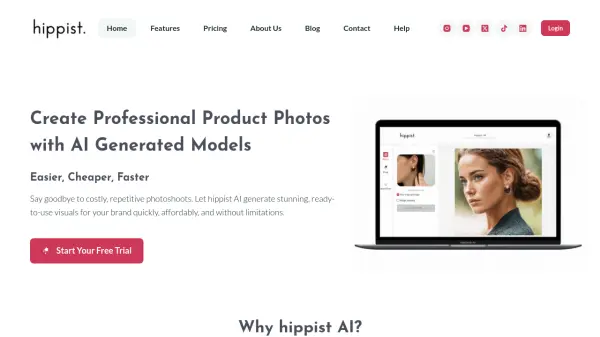
- Newly included feature for fashion photoshoots with AI-generated models
Use Cases
- Creating product photoshoots
- Testing design concepts
- Creating reusable templates
- Fashion photoshoots
FAQs
-
What is Flair.ai?
Flair.ai is an AI-powered design tool that allows users to create professional-quality product photoshoots with ease. It utilizes drag-and-drop functionality for 3D assets, lighting adjustments, and various templates to simplify the design process. -
How can I use Flair.ai for fashion photoshoots?
Flair.ai offers a feature to dress AI-generated models, allowing you to create realistic and customizable fashion photoshoots within the platform. -
Can I create my own templates in Flair.ai?
While Flair.ai provides built-in templates, it's unclear from the information provided whether users can create and save their own custom templates. -
What makes Flair.ai different from other product photography tools?
Flair.ai differentiates itself through its AI-powered features, such as the ability to generate and dress AI models, along with its intuitive drag-and-drop interface for seamless 3D asset manipulation. -
Is Flair.ai suitable for beginners with no design experience?
Flair.ai is designed to be user-friendly, suggesting that even individuals with limited design experience can utilize its features. The drag-and-drop interface and pre-made templates contribute to its ease of use.