What is FineVoice?
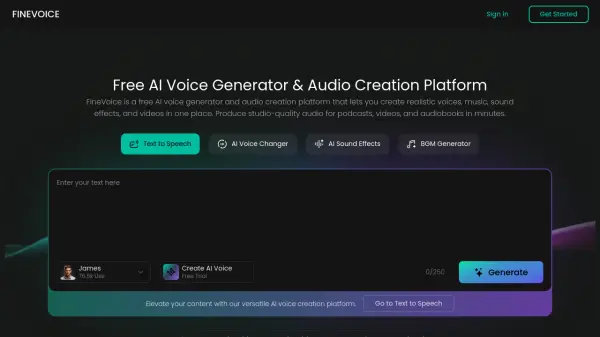
FineVoice is a comprehensive AI voice generation and audio creation platform that leverages advanced neural network speech synthesis technology to produce realistic and expressive voices. The platform offers a wide range of tools including text-to-speech, voice cloning, voice changing, sound effect generation, and speech-to-text conversion, all accessible through an intuitive interface.
With support for over 1,500 voices across 154 languages and accents, FineVoice provides users with extensive customization options for tone, emotion, speed, and style. The platform is designed for creators, educators, and developers, offering features like emotion control, instant voice cloning, and royalty-free sound effects to enhance various audio projects without requiring technical expertise.
Features
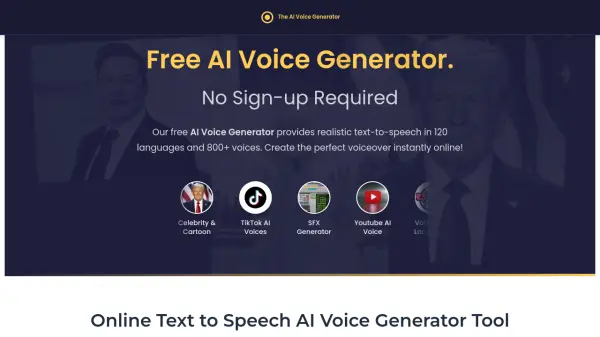
- Text to Speech: Generate natural-sounding speech from text with 1,500+ voices across 154 languages
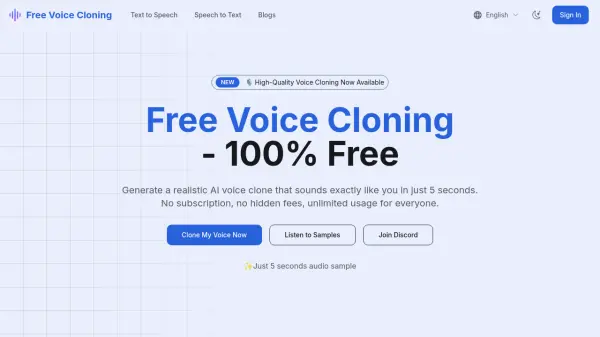
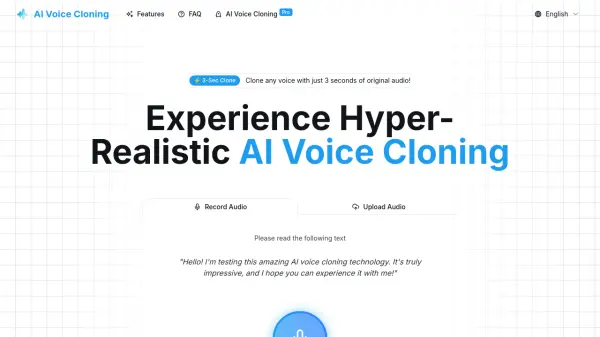
- AI Voice Cloning: Clone any voice in seconds for use in text-to-speech or voice transformation workflows
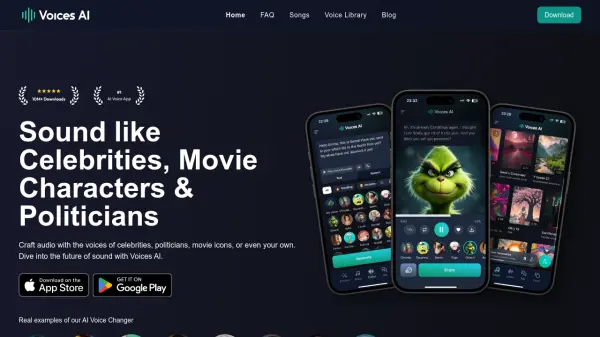
- AI Voice Changer: Transform voice characteristics like pitch, age, and gender for character voices
- AI Sound Effect Generator: Create royalty-free sound effects from text or video input
- Speech to Text: Convert audio to editable text with automatic punctuation and multiple export formats
- Multi-Language Support: Create voices in 154 global languages and accents for multilingual content
- Emotion Control: Fine-tune emotional tone, speaking style, and intensity for expressive narration
- Voice Design: Build custom AI voices with descriptive text prompts for brand or character voices
Use Cases
- Creating voiceovers for YouTube videos and advertisements
- Producing narrated e-learning courses and educational materials
- Generating character voices for animations and gaming projects
- Developing podcast audio with realistic and expressive narration
- Localizing video content with AI dubbing and lip-sync technology
- Enhancing presentations with professional audio and sound effects
- Building accessible learning materials by converting text to audio
- Integrating voice capabilities into applications via API for developers
FAQs
-
How many voices are available in FineVoice?
FineVoice offers over 1,500 realistic AI voices designed for various applications like narration, storytelling, and multimedia production. -
Can FineVoice AI Voice Generator produce different accents or languages?
Yes, it supports 154 global languages and accents, enabling multilingual content creation with natural pronunciation. -
Can I use the generated AI voice for commercial purposes?
Yes, commercial use is allowed with paid plans that include commercial voices. -
What should I do if the generated AI voice quality is poor?
The platform provides customization options to adjust tone, emotion, and style; users can fine-tune these settings or contact support for assistance. -
Is there a text to singing voice generator?
The content does not specify if FineVoice includes a text-to-singing feature; it focuses on speech generation, voice cloning, and sound effects.