
What is F-Bar?
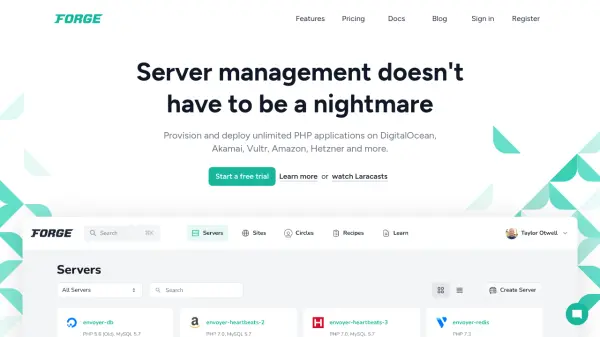
F-Bar is a desktop application designed for developers working with Laravel Forge. It provides a streamlined interface accessible directly from the Mac or iOS menubar, allowing users to manage their Forge-provisioned servers without needing to use a web browser or terminal constantly.
The tool enables various server management tasks such as rebooting servers and services, launching SSH connections, editing configuration files, deploying applications, and monitoring site availability. It supports multiple Laravel Forge accounts simultaneously with encrypted API key storage and offers push notifications for deployment completion and other events.
Features
- Multiple Account Support: Manage multiple Laravel Forge accounts simultaneously without logging in/out
- Server Monitoring: Monitor server status with HTTP requests and receive notifications when sites are down
- Quick Deployment: Deploy applications directly from the menubar without using terminal or CLI
- Configuration Editing: Edit .env files, Nginx configurations, and deployment scripts directly from desktop
- SSH Integration: Launch SSH connections with Terminal, Hyper, or iTerm directly from the menubar
Use Cases
- Streamlining Laravel development workflows
- Monitoring server status and site availability
- Managing multiple Laravel Forge accounts efficiently
- Deploying applications without terminal access
- Editing server configuration files remotely