What is End Boost?
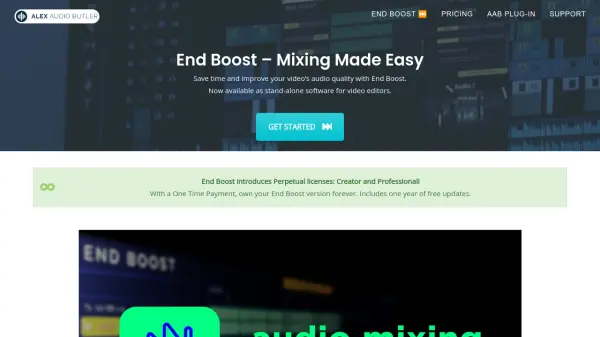
End Boost is a stand-alone application designed to simplify audio mixing for video editors. It leverages AI algorithms from Alex Audio Butler to automatically adjust volume, compression, limiting, and ducking, providing a professional-quality mix.
The software supports various Non-Linear Editors (NLEs) via WAV file import and export, including Premiere Pro, DaVinci Resolve, Final Cut Pro X, and Magix Vegas. End Boost offers a streamlined workflow, allowing users to focus on their video's visuals and story by handling the complexities of audio mixing.
Features
- Smart Preset Combos: 25+ preset combinations for different audio mixing styles tailored to various video types.
- AI-Powered Mixing: Utilizes Alex Audio Butler's AI algorithms for automatic audio optimization.
- AI De-noising & Mastering: Cleans up recordings and prepares a perfect mix for videos.
- Cross-Platform Compatibility: Available as a desktop app for both Windows and macOS.
- NLE Integration: Works with any NLE supporting wav-file import and export.
Use Cases
- Improving audio quality in video content.
- Automating audio mixing for faster video production workflows.
- Creating professional-sounding audio mixes without specialized audio engineering knowledge.
- Optimizing audio levels for voice, music, and sound effects in videos.