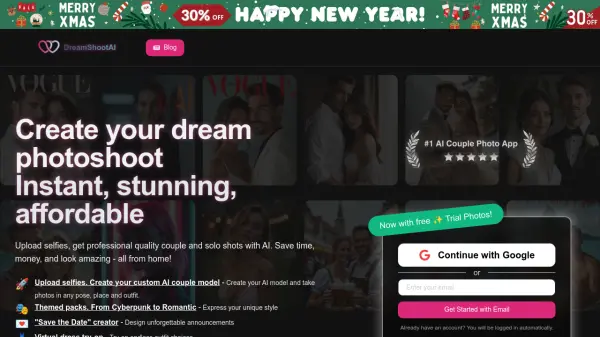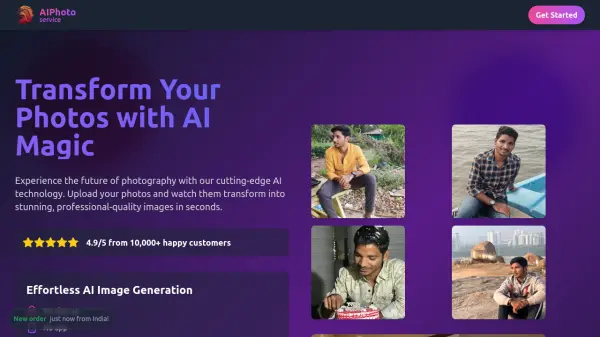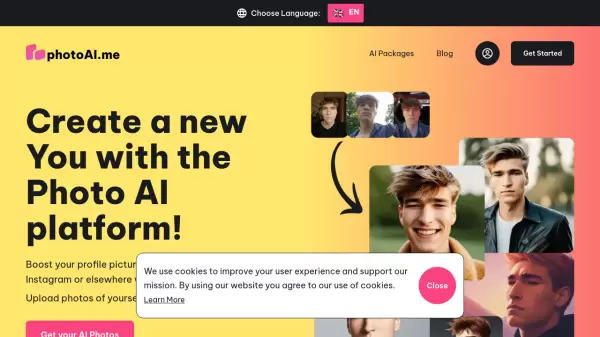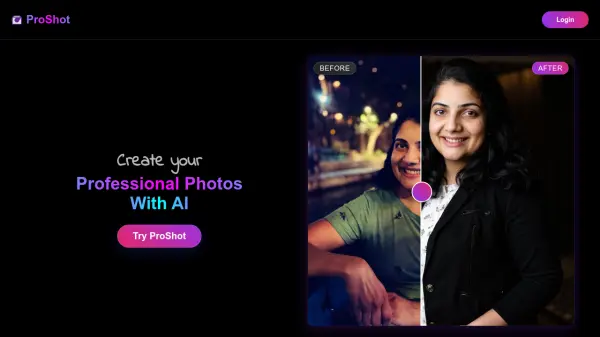
What is DreamLense?
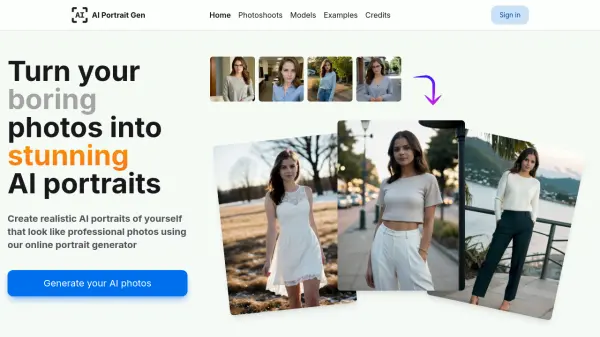
DreamLense offers an innovative service that leverages artificial intelligence to enhance and transform your existing photos. It provides high-quality, personalized images suitable for a variety of applications.
The platform allows users to easily generate professional-looking photos, ideal for enhancing their online presence. Whether you're updating your LinkedIn profile, creating engaging content for social media, or improving your dating app profiles, DreamLense ensures that your photos present you in the best possible light, at a fraction of the cost of a traditional photoshoot.
Features
- Model Training: Allows for 1-3 model training sessions per month, depending on the chosen plan.
- Photo Generation: Generates 50-150 photos per month, based on the subscription level.
- Customer Support: Offers email support, with priority support available for higher-tier plans.
- Feature Access: Provides full access to all features, with early access to new features for Pro plan subscribers.
- Advanced Statistics: Pro plan includes advanced usage statistics.
Use Cases
- Creating professional headshots for LinkedIn and CVs.
- Generating unique and engaging visuals for social media platforms like Instagram, Facebook, and TikTok.
- Enhancing photos for dating app profiles (Tinder, Bumble, etc.).
- Producing marketing materials with improved visual quality.
FAQs
-
What kind of photos should I upload?
Upload high-quality photos that clearly show your face and/or body. Ensure there are no other people in the image and avoid blurry or pixelated images. A minimum of 15 and a maximum of 25 images are recommended.