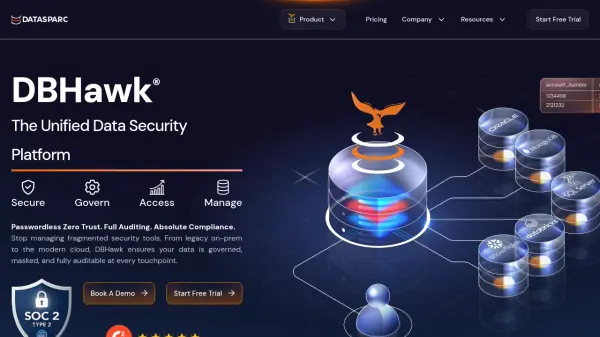
What is DBHawk?
DBHawk offers a comprehensive web-based platform designed to secure and manage databases through unified access controls and automation tools. The platform enables organizations to implement zero-trust security principles with fine-grained access controls, data masking, and full auditing capabilities to meet compliance requirements such as GDPR, HIPAA, and SOX.
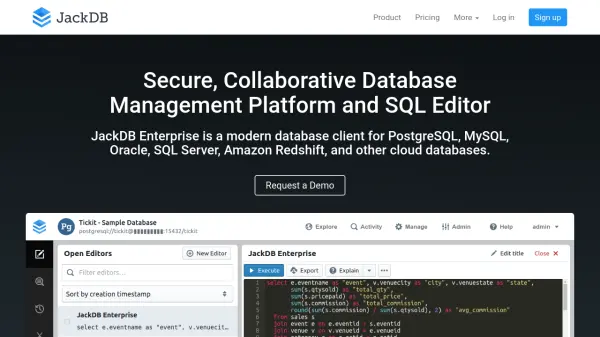
With native integration capabilities for major databases including Amazon Redshift, Oracle, SQL Server, and PostgreSQL, DBHawk provides a centralized interface for SQL editing, query building, job scheduling, and data visualization. The platform's AI features allow users to convert natural language questions into executable SQL queries and generate dynamic charts and dashboards from query results.
Features
- Zero Trust Data Access: Implement least-privilege access with column-level restrictions and dynamic data redaction
- Unified Web-Based IDE: Single platform for database development across on-premise and cloud environments
- AI-Powered Data Visualization: Convert natural language questions to SQL and create dynamic charts and dashboards
- SQL Automation: Schedule and automate SQL scripts and reports across any database
- Enterprise API Access: Provision database access and share SQL results via API
- Flexible Deployment: Deploy on Windows, Mac, Linux, Docker, or Kubernetes
- Comprehensive Auditing: Track user activity with integration to Datadog, Splunk, or custom database logging
- Team Collaboration: Share SQL queries, reports, snippets, and dashboards with team members
Use Cases
- Securing database access for compliance with GDPR, HIPAA, SOX, and other regulations
- Centralizing database management across multiple database types and environments
- Automating SQL reporting and batch job scheduling for database operations
- Enabling self-service business intelligence with ad-hoc reporting capabilities
- Providing secure database access to external stakeholders without sharing credentials
- Implementing separation of duties (SOD) in database administration
- Creating data visualizations and dashboards from database queries
- Managing database security across hybrid cloud and on-premise infrastructures
FAQs
-
What databases does DBHawk support?
DBHawk supports Amazon Redshift, Athena S3, Cassandra, Db2, Greenplum, MongoDB, MySQL, Netezza, Oracle, PostgreSQL, SAP HANA, SQL Server, Snowflake, and Teradata databases. -
Does DBHawk offer a free trial?
Yes, DBHawk offers a free trial that can be started without requiring a credit card. -
What deployment options are available for DBHawk?
DBHawk can be deployed as SaaS (hosted by Datasparc) or Enterprise (deployed on your own cloud or on-premise infrastructure), and supports deployment on Windows, Mac, Linux, Docker, or Kubernetes. -
Does DBHawk integrate with single sign-on (SSO) providers?
Yes, DBHawk offers native integration with Okta, Azure Entra, and Google for SSO, plus integration with CyberArk, HashiCorp, and Cloud Vaults for secrets management.