

What is Cronometer?
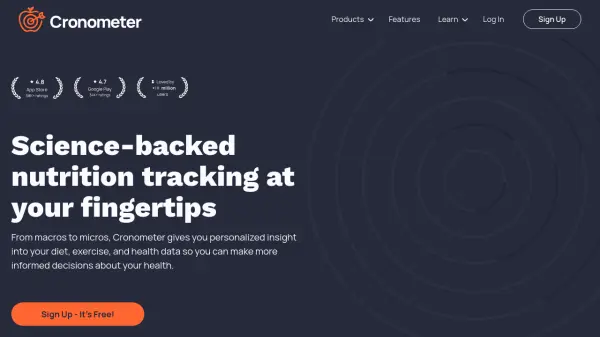
Offers comprehensive nutrition tracking, providing personalized insights into diet, exercise, and overall health data. By monitoring food intake with detailed food journaling and verified nutrition information, users can gain a complete understanding of their nutritional intake, covering up to 84 vitamins and minerals.
Integrates with various devices and partner apps, allowing seamless data flow. It helps individuals dial up their diet, reach and maintain weight goals, and gain a holistic view of their health by tracking various biometrics.
Features
- Barcode Scanner: Easily add food by scanning barcodes.
- Verified Food Database: Access over 1 million verified foods.
- Nutrient Tracking: Monitor up to 84 vitamins and minerals.
- Custom Recipes: Save and track your own custom foods and recipes.
- Device Sync: Syncs with various devices and partner apps.
- Biometric Tracking: Track various biometrics like pain symptoms, gut health, and blood sugar levels.
- Dietary Target Wizard: Built-in nutritional target wizard to set and manage goals.
Use Cases
- Tracking daily food intake.
- Monitoring macronutrient and micronutrient levels.
- Achieving and maintaining weight goals.
- Analyzing diet progress.
- Optimizing diet for specific health needs.
- Tracking biometric data for a holistic health view.
- Creating and managing custom recipes.