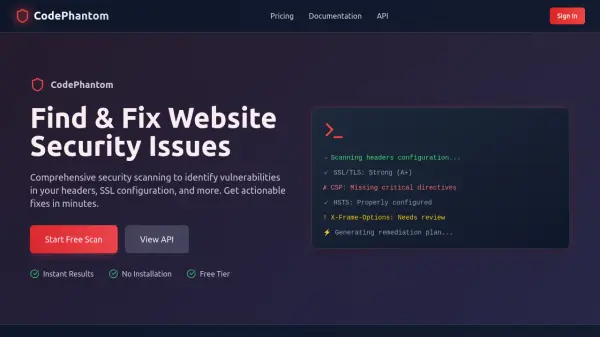
What is CodePhantom?
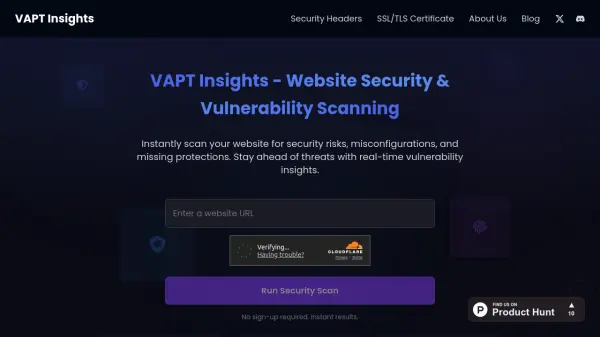
CodePhantom offers comprehensive security scanning to identify vulnerabilities in website headers, SSL configuration, and other critical areas. The platform provides actionable fixes and remediation plans within minutes, helping organizations maintain robust security postures.
With features like security headers analysis, SSL/TLS configuration checks, DNS security verification, and port security scanning, CodePhantom delivers detailed insights and recommendations. The tool supports automated scanning, PDF report generation, and API access for integration into CI/CD pipelines, making it suitable for both individual developers and enterprise security teams.
Features
- Security Headers Analysis: Complete analysis of HTTP security headers including CSP, HSTS, and XSS protection with actionable recommendations
- SSL/TLS Security: Deep analysis of SSL/TLS configuration including certificate validation, protocol version check, and cipher strength analysis
- API Access: REST API access for integrating security scanning into CI/CD pipelines with automated scanning capabilities
- Detailed Reporting: Generates comprehensive PDF and CSV reports with technical details and remediation suggestions
- Automated Scanning: Supports scheduled and automated security scans with email notifications for results
Use Cases
- Identifying security header vulnerabilities in websites
- Validating SSL/TLS certificate configurations and encryption strength
- Automating security scanning in CI/CD pipelines
- Generating compliance reports for security audits
- Monitoring DNS security configurations like DMARC, SPF, and DKIM
FAQs
-
What types of security vulnerabilities does CodePhantom detect?
CodePhantom detects vulnerabilities in security headers (CSP, HSTS, XSS protection), SSL/TLS configurations, DNS security settings, and port security issues. -
How does the free tier work?
The free tier allows users to perform initial security scans to identify vulnerabilities without requiring payment or installation. -
Can I integrate CodePhantom into my development workflow?
Yes, CodePhantom provides REST API access that allows integration into CI/CD pipelines for automated security scanning. -
What formats are available for scan reports?
Scan results can be exported as PDF and CSV reports, with detailed technical information and remediation suggestions. -
Do scan credits expire?
No, all purchased scan credits never expire and can be used at any time.