What is Cloudflare Developers?
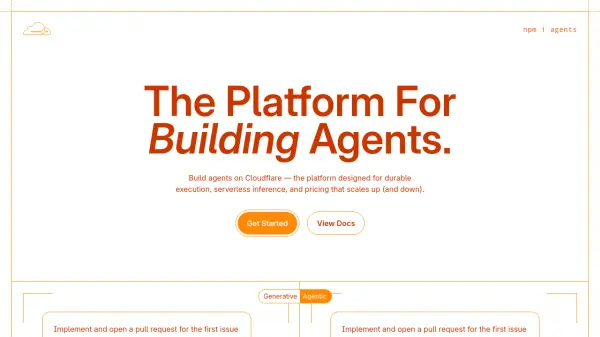
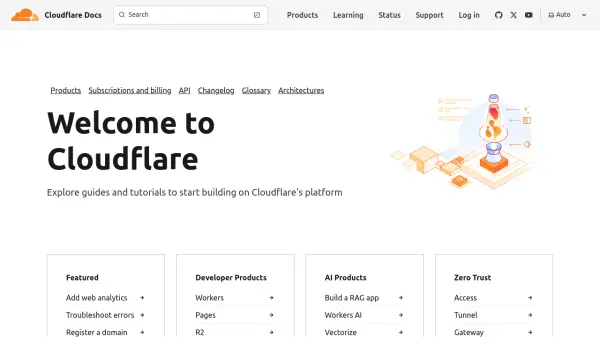
Cloudflare Developers offers a comprehensive suite of tools and services to empower developers to build and deploy applications on a global scale. The platform's serverless architecture allows for seamless scaling and eliminates the need for infrastructure management.
Developers can take advantage of various products, including Workers for serverless compute, Pages for front-end deployment, R2 for object storage, and a range of AI products for building intelligent applications. Cloudflare's extensive documentation and resources support developers at every stage of the development lifecycle.
Features
- Workers: Serverless compute platform for running code at the edge.
- Pages: Platform for deploying front-end applications.
- R2: Object storage for storing and retrieving data.
- Workers AI: Serverless GPU-powered inference platform.
- Vectorize: Vector database for similarity searching and AI applications.
- AI Gateway: Observe, cache, and manage AI applications.
- Cloudflare Tunnel: Securely connect resources to Cloudflare without a publicly routable IP address.
- WARP Client: Provides a faster, more secure, and more private online experience.
Use Cases
- Building serverless APIs
- Deploying static websites and web applications
- Developing and deploying full-stack applications
- Storing and serving large files and media
- Creating AI-powered applications
- Securely connecting resources to the internet
- Improving online privacy and security