What is ChurchLoom?
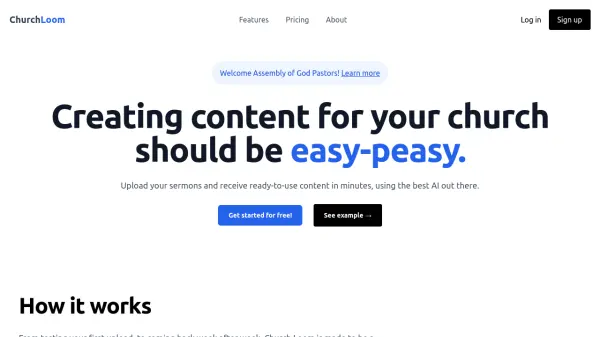
ChurchLoom is a platform designed to help pastors and church leaders easily create content from their sermons. By simply uploading an audio file or providing a YouTube link, users receive a variety of content assets within minutes.
The platform provides a full transcript, sermon summary, outline with timestamps, email blast content, social media posts, discussion questions, and historical context. A custom prompts feature allows users to generate additional, specific content tailored to their church's needs, with the ability to save these prompts as templates for future use.
Features
- Sermon Upload: Upload sermon audio files or YouTube links.
- Quick Turnaround: Receive content in less than 10 minutes.
- Content Variety: Generates transcripts, summaries, social media posts, email blasts, and more.
- Custom Prompts: Create specific content using custom prompts.
- Template Saving: Save custom prompts as templates for future use.
Use Cases
- Creating social media content from sermons.
- Generating email newsletters for church members.
- Developing discussion questions for small groups.
- Producing sermon summaries for website publication.
- Creating historical context for sermon topics.