

What is ChargeDesk?
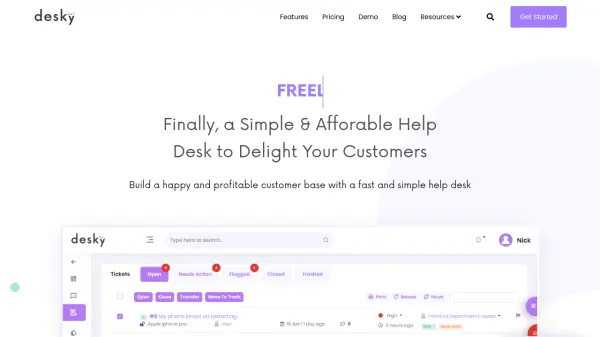
ChargeDesk is a specialized platform that connects payment gateways with helpdesk systems to create a unified billing support experience. The service integrates directly with popular payment processors like Stripe, PayPal, Braintree, and WooCommerce, while simultaneously connecting to helpdesk platforms including Zendesk, Help Scout, Freshdesk, and Intercom.
The platform uses powerful algorithms to automatically match customer payments with their support tickets, enabling support agents to manage billing operations directly within their existing helpdesk interface. This eliminates the need for agents to switch between multiple systems when handling payment-related customer inquiries, refunds, subscriptions, or invoice management.
Features
- Payment Gateway Integration: Connects with Stripe, WooCommerce, PayPal, Braintree, Recurly, Authorize.Net, Zuora, Shopify and other payment processors
- Helpdesk Integration: Works with Zendesk, Front, Help Scout, Freshdesk, Intercom, Gmail, Chrome and other support platforms
- Automatic Payment Matching: Uses algorithms to match customer payments with their support tickets automatically
- Billing Management: Allows refunding charges, canceling subscriptions, creating new charges and subscriptions, and managing coupons
- Invoice and Receipt Generation: Creates beautiful PDF invoices and receipts with tax compliance for VAT and GST
Use Cases
- Managing customer refunds and cancellations directly within helpdesk tickets
- Creating new charges or subscriptions for customers during support interactions
- Sending payment reminders and invoices to customers from the helpdesk interface
- Updating customer payment information securely without leaving the helpdesk
- Generating tax-compliant receipts and invoices for international customers
- Reducing chargeback rates by streamlining billing question collection
- Allowing customers to update their own invoice details through embedded billing pages
FAQs
-
How does ChargeDesk calculate the number of customers for pricing?
Only customers who have paid in the past 30 days count toward your plan. This is calculated as the total number of successful charges with unique customer IDs each month. Historic customers who haven't paid this month or customers with only failed charges are not included. -
What happens if I exceed my plan's customer or agent limits?
If you sign up with the automatic plan option, you get a 20% bonus on all limits. For companies exceeding Enterprise plan limits, additional usage-based pricing tiers are available by contacting sales. -
Can I import my entire billing history with ChargeDesk?
Yes, once you upgrade to a paid account, you can import your entire billing history for free. During the free trial, only the last 30 days of charges are imported. -
What types of payment operations can be managed through ChargeDesk?
You can refund charges, cancel subscriptions, create new charges and subscriptions, authorize and capture payments, manage coupons, send payment reminders, edit customer details including VAT numbers, and securely update credit cards on file.