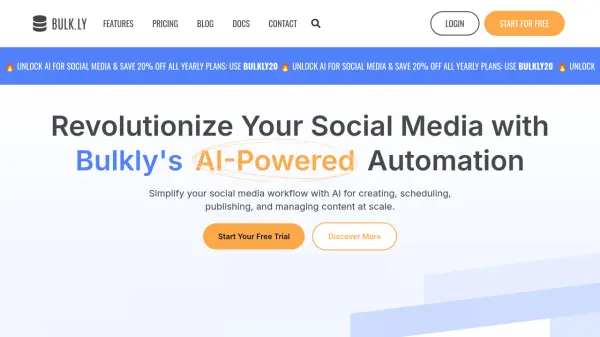
What is Bulkly?
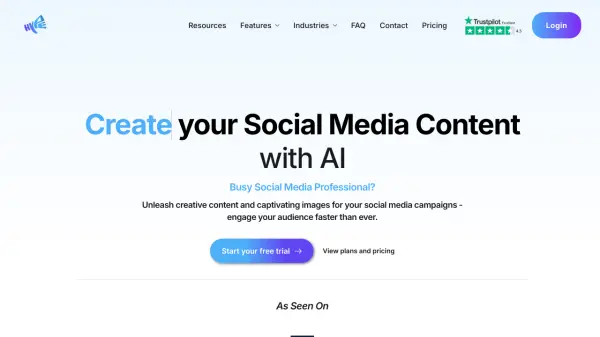
Bulkly offers an AI-driven solution for social media management, aiming to streamline workflows for marketers, agencies, and entrepreneurs. It utilizes artificial intelligence to assist users in generating engaging social media content tailored to their brand's voice through customizable prompts. The platform enables automated scheduling of posts across major social media networks, helping maintain a consistent online presence with less manual effort.
Beyond AI content creation and scheduling, Bulkly provides features for enhanced social media strategy execution. Users can automatically recycle evergreen content to keep their feeds active and import content ideas in bulk using CSV files or by connecting RSS feeds. The tool also includes AI-powered hashtag recommendations to improve post reach, advanced analytics for performance tracking, and organizational tools like content categorization and a visual calendar view. For agencies or users managing multiple brands, Bulkly offers workspaces to keep accounts, content, and schedules separate and organized.
Features
- AI-Driven Content Creation: Generate engaging social media posts using AI.
- Effortless Scheduling: Automate posting schedules across multiple platforms.
- Advanced Analytics: Track and analyze social media performance data.
- Seamless Integration: Connect easily with major social media platforms.
- Customizable Prompts: Tailor AI generation prompts to match brand voice.
- Automatically Recycle Content: Keep feeds active by automatically reposting evergreen content.
- Content Creation with RSS Feeds: Generate posts from blog or news RSS feeds.
- Content Creation with CSV Files: Bulk upload content ideas via CSV files.
- Hashtag Recommendations: Receive AI-driven suggestions for relevant hashtags.
- Easy Organization: Categorize and label social media updates.
- Calendar View: Visualize and manage the content schedule.
- Workspaces: Manage multiple clients or brands with separate workspaces.
Use Cases
- Streamlining campaign management for marketers with automated scheduling and AI content.
- Enhancing online presence for businesses using AI to create and schedule relevant content.
- Managing multiple client social media accounts efficiently for agencies.
- Saving time for entrepreneurs by automating social media updates.
- Maintaining a consistent posting schedule through automated content recycling.
- Generating fresh content ideas from RSS feeds or bulk uploads.