What is Archittect?
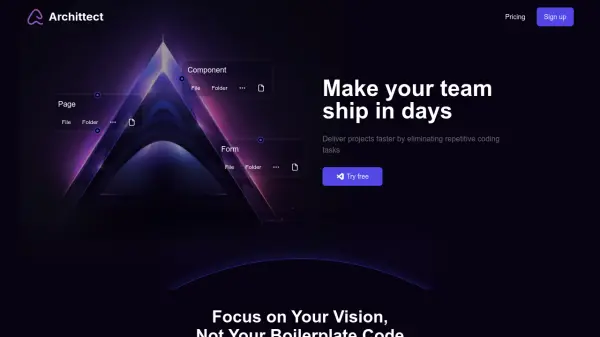
Archittect helps development teams ship products in days instead of weeks by eliminating repetitive coding. The tool allows creation and customization of boilerplate templates, which are reusable across projects. This functionality minimizes time spent on repetitive tasks and enhances the focus on unique project features.
Archittect seamlessly integrates with VSCode, enabling developers to leverage native shortcuts, create file structures, and use dynamic code. Future integrations with other IDEs, browsers, CLI, and REST API are also planned.
Features
- Templates: Build dynamic templates once & use them everywhere.
- Scaffolds: Combine files, folders, and snippets to build anything, from a single component to a complete dynamic project.
- VSCode Extension: A powerful tool that works natively within VSCode.
- Integrations: Seamlessly Integrated with your Favorite Tools like VSCode.
Use Cases
- Rapid prototyping of new projects.
- Maintaining code consistency across large projects.
- Onboarding new team members to existing codebases.
- Developing microservices with standardized structures.
- Creating reusable UI components.
FAQs
-
How is Archittect better than VSCode snippets?
VSCode snippets are not shareable with your team, cannot be used in other text editors, are meant to be used/created from a single file, and are cumbersome to create. Archittect solves all of these limitations. -
Is Copilot better than Architect?
No. They are not comparable. Archittect will allow you to get boilerplate code out of your way keeping it consistent. Copilot will help you write the rest of the code with predictive suggestions. Both tools are encouraged to be used together. -
Can I use Archittect in my IDE?
If your IDE is VSCode, yes. Archittect comes with a first-class VSCode extension. We have plans to support other IDEs in the future. -
Can I share my templates with others?
If you are using the Team plan or higher, you can seamlessly share your templates with your team members. -
Can I sync all my devices with my Archittect account?
Yes, Archittect allows you to pick up where you left off on any device. It will seamlessly sync your data across all your devices.