What is aiphotoeditor.io?
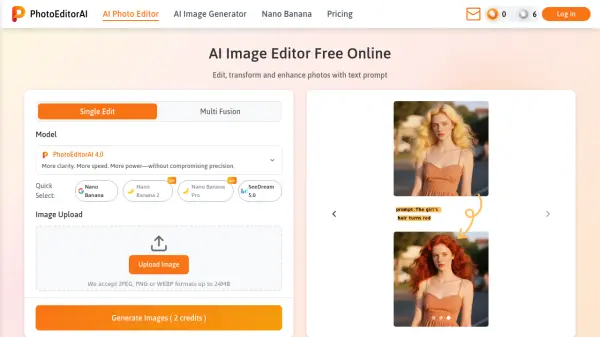
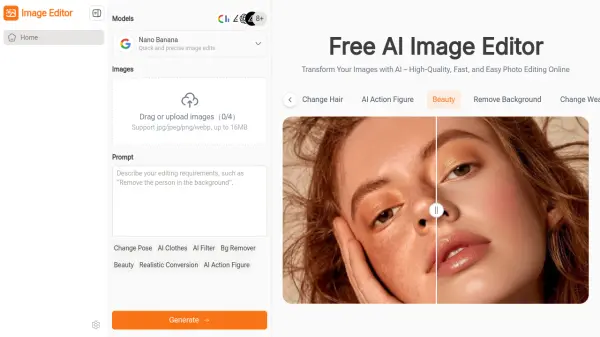
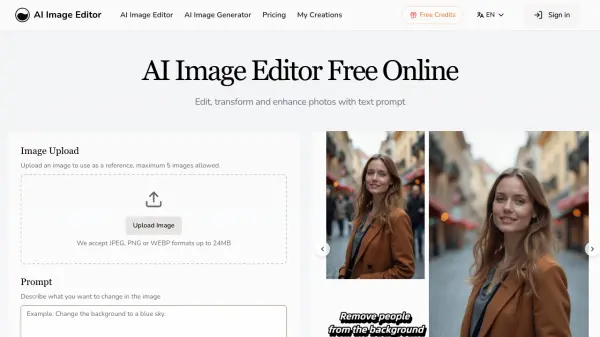
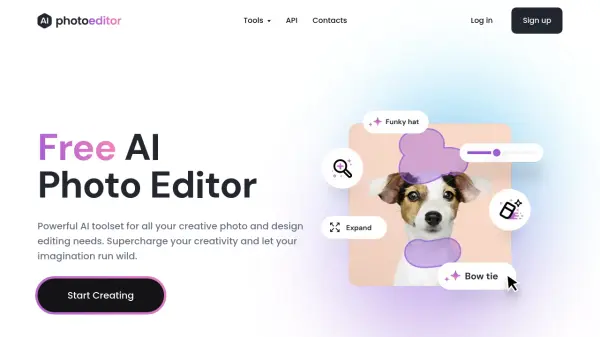
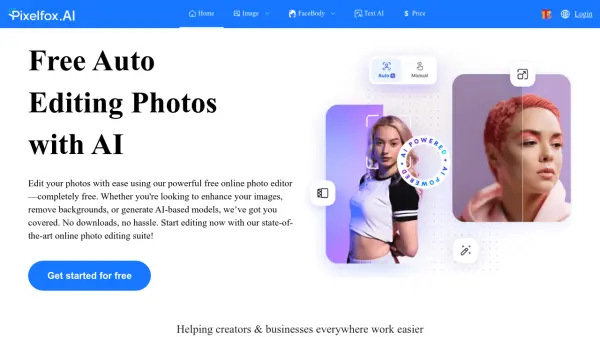
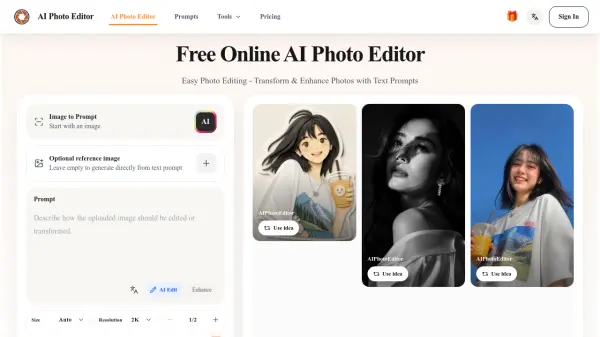
AI Photo Editor is a free online tool that simplifies photo editing. Instead of complex software, users can describe changes with text prompts to remove objects, replace backgrounds, or enhance details. The tool supports various AI models like GPT Image 2 and Nano Banana Pro, offering flexibility for different creative needs.
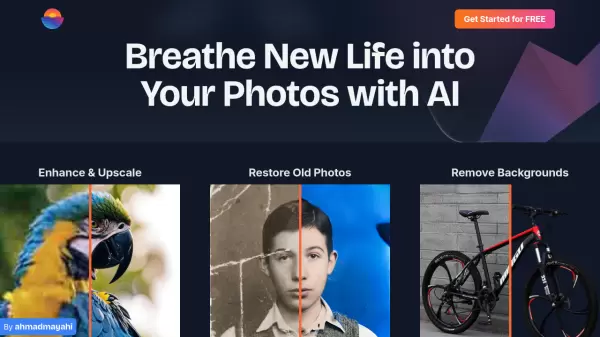
Key features include background removal, image upscaling, prompt reverse-engineering, and reference image generation. It is designed for speed and ease of use, making professional-looking edits accessible to everyone. Daily free credits are available, with optional credit packs for heavier usage.
Features
- Text Prompt Editing: Edit photos by describing changes with simple text prompts.
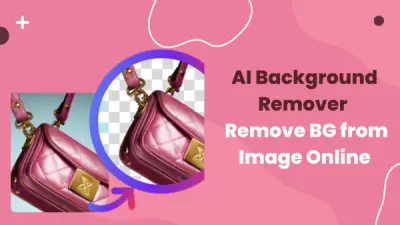
- Background Removal: Automatically remove and replace backgrounds.
- Image Upscale: Enhance image resolution and quality.
- Prompt Reverse-Engineering: Extract prompt keywords from existing images.
- Reference Image Generation: Upload reference images to maintain style consistency.
- Multiple AI Models: Choose from GPT Image 2, Nano Banana Pro, Seedream, and Qwen.
- Free Daily Credits: 20 free credits refresh every 24 hours.
Use Cases
- Clean up travel photos and everyday images
- Create ecommerce product images with professional backgrounds
- Polish portraits and headshots for personal branding
- Quickly update marketing assets and social media visuals
- Restore old photos by removing imperfections
- Generate YouTube thumbnails with text prompts
FAQs
-
Do I need an account to use the AI photo editor?
Yes. You need to sign in to use the AI photo editor. Click the Sign In button in the top navigation and use your Google account for one-click authorization. -
Is this AI photo editor free to use?
Yes. Daily credits refresh to 20 every 24 hours for image editing and generation. If you need more credits, you can purchase them directly. -
How does this AI photo editor work?
Upload an image, enter a prompt describing the changes you want, and click the Generate button. After a short wait, you'll see the AI-edited image in the preview window. -
Which file formats does this AI photo editor support?
AI photo editor supports common image formats including JPG, PNG, and WebP. -
Can I use edited images for commercial work?
Yes. Images created in AI photo editor can be used for ecommerce, marketing, social media, websites, and other commercial projects.