What is aifilter.app?
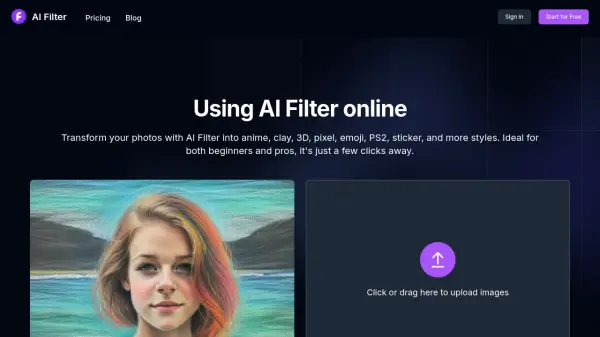
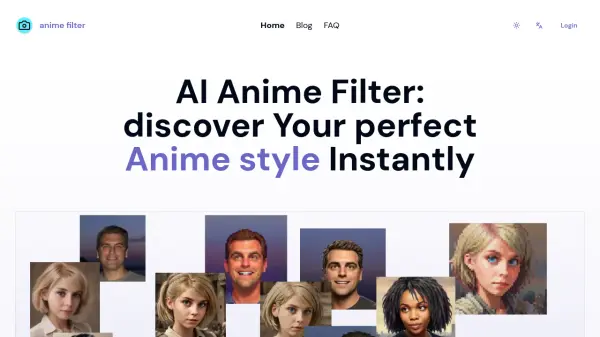
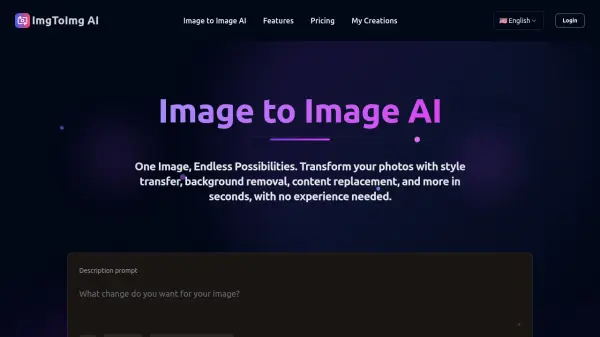
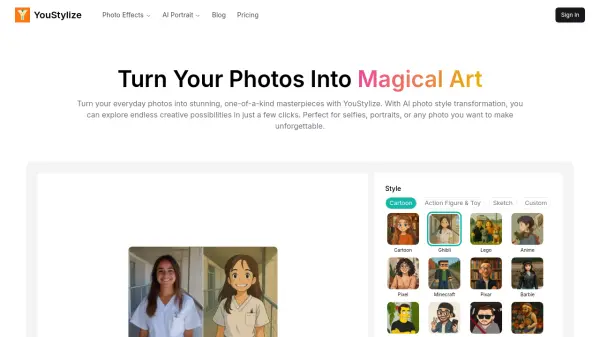
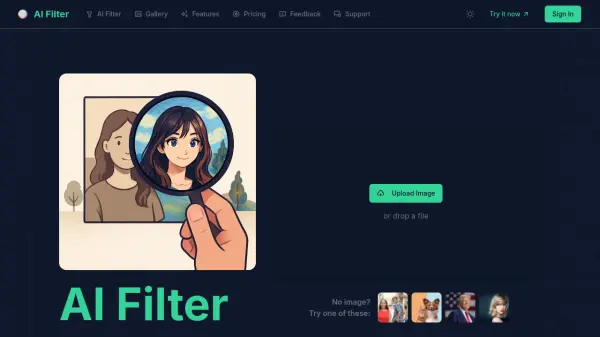
AI Filter is an online AI art studio that uses advanced artificial intelligence to transform your photos into stunning artwork. Go beyond simple filters and turn any image, from selfies to landscapes, into styles like anime, cartoons, pixel art, or classic paintings. With a vast library of AI filters and the ability to use custom text prompts, you have precise creative control over the final result. The tool is fast, easy to use, and fully online without requiring any downloads or technical skills. AI Filter also prioritizes your privacy, ensuring uploaded images are used only for processing and are never shared.
Features
- Expansive AI Filter Library: Instantly turn photos into anime, cartoons, pixel art, or Van Gogh-style paintings with an ever-growing collection.
- Custom Prompts for Precision Control: Use text descriptions to adjust colors, add elements, or change composition for tailored results.
- Fast AI-Powered Generation: Asynchronous cloud processing lets you submit tasks and track progress without waiting.
- High-Resolution Downloads: Download AI-generated art in crisp, high resolution suitable for print or professional use.
- Creator Community Gallery: Browse and share AI-generated art for inspiration and connection.
- Secure & Private Processing: Uploaded images are used only for generation and not shared or stored for other purposes.
Use Cases
- Create anime-style avatars for social media profiles.
- Turn landscape photos into classic oil paintings.
- Design unique pixel art for game assets or nostalgia projects.
- Generate cartoon versions of pet photos for fun or gifts.
- Apply artistic styles to product images for marketing materials.
- Create high-resolution prints of AI-generated art for home decor.
- Experiment with different styles for digital art projects.
- Add custom elements or change backgrounds using text prompts.
FAQs
-
What is AI Filter and how does it transform my photos?
AI Filter is an online art studio that uses advanced artificial intelligence to transform your photos. Simply upload an image, choose from a wide range of styles like anime, cartoon, or classic painting, or even use text prompts to describe your vision. Our AI photo filter analyzes your image and artistically redraws it in your chosen style. -
How do I turn my photo into a cartoon or anime character?
Upload your selfie or portrait, select the 'Cartoon' or 'Anime' filter from our style library, and generate your new artwork with a single click. -
Is this AI photo filter tool free to use?
Yes, you can start using AI Filter for free. We provide every new user with free credits to test out our AI photo filters and generate your first few images. Paid plans are available for more credits. -
Can I give custom instructions to the AI filter?
Absolutely. Use the 'Custom Instructions' field to guide the AI with text prompts, such as 'change hair to blue' or 'add a futuristic city in the background' for ultimate creative control. -
Do I own the commercial rights to the art I create with AI Filter?
Yes, on any of our paid plans, you receive full commercial rights for the images you generate, meaning you can use them for marketing, social media, merchandise, or sell them as digital art.
Related Queries
Helpful for people in the following professions
aifilter.app Uptime Monitor
Average Uptime
50%
Average Response Time
1216.5 ms