What is AI Detector Writer?
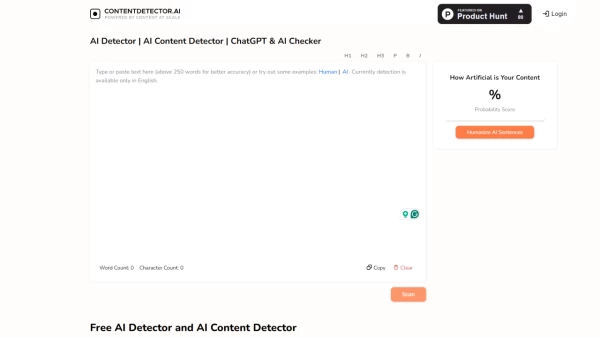
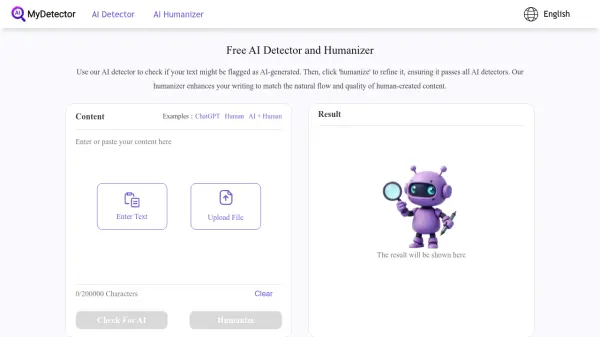
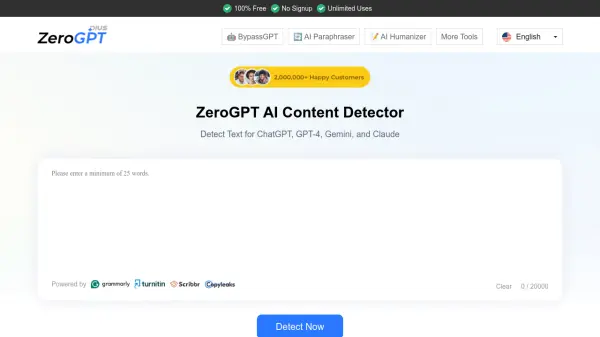
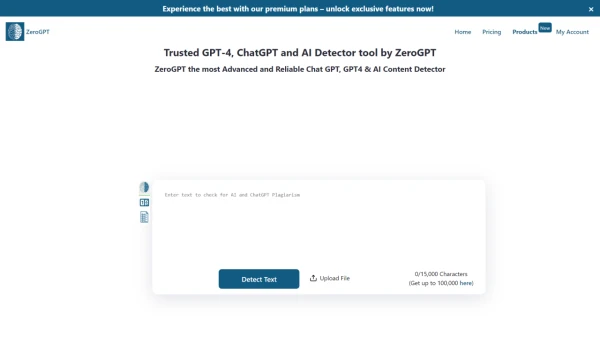
AI Detector Writer is a reliable GPT-4 and AI content detector that offers a comprehensive solution for analyzing and identifying AI-generated content. This free tool allows users to analyze content without limitations, helping them refine their work before sharing.
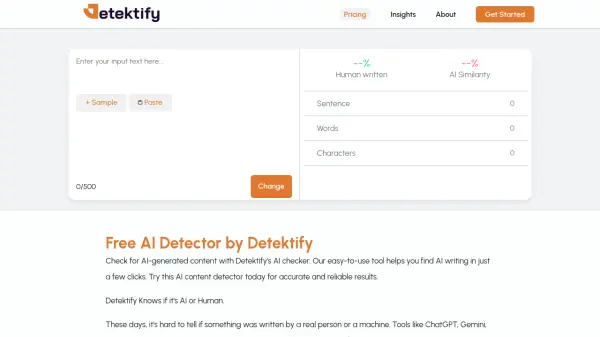
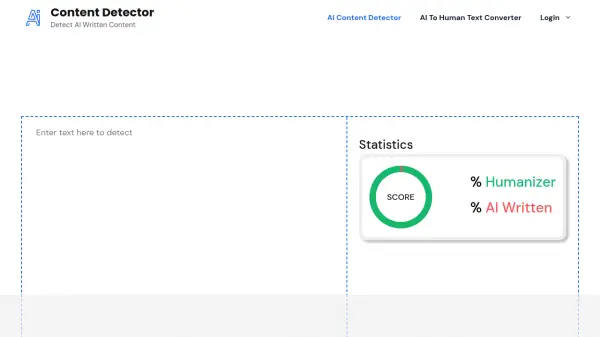
The tool uses advanced natural language processing algorithms to compare submitted text against a vast database of sources, identifying potential AI-generated content. It provides real-time results, displaying the percentage of human-written versus AI-generated text in the analyzed content.
AI Detector Writer is designed to be user-friendly, allowing users to either copy and paste text or upload documents for analysis. The tool is valuable for ensuring content originality, protecting reputations, and maintaining authenticity in various fields such as academia, content creation, and professional writing.
Features
- No word limit: Analyze content of any length without restrictions
- Batch file upload: Process multiple files simultaneously
- Highlighted sentences: Identify AI-contributed portions with precision
- High-precision model: Advanced, premium model trained in all languages
- Automatic PDF reports: Generate proof of non-AI content
- Multi-language support: Accurate detection for all world languages
Use Cases
- Verifying the originality of academic papers
- Checking content authenticity for publishers
- Ensuring genuine marketing copy for businesses
- Validating user-generated content for online platforms
- Assisting educators in detecting AI-generated student submissions
- Helping writers ensure their work is free from AI-generated text
FAQs
-
Is there a limit to the length of content that can be analyzed?
No, the tool allows analysis of content of any length without restrictions. -
Can multiple files be analyzed simultaneously?
Yes, the tool supports batch file upload for processing multiple files at once. -
What languages are supported for detection?
The tool provides accurate detection for all world languages with its multi-language support. -
How does the tool differentiate between human-written and AI-generated text?
The tool uses advanced natural language processing algorithms to compare submitted text against a vast database of sources, displaying the percentage of human-written versus AI-generated text in the analyzed content. -
In what scenarios can this tool be especially useful?
This tool is valuable for verifying the originality of academic papers, checking content authenticity for publishers, ensuring genuine marketing copy for businesses, validating user-generated content for online platforms, assisting educators in detecting AI-generated student submissions, and helping writers ensure their work is free from AI-generated text.