What is 0PTIKUBE?
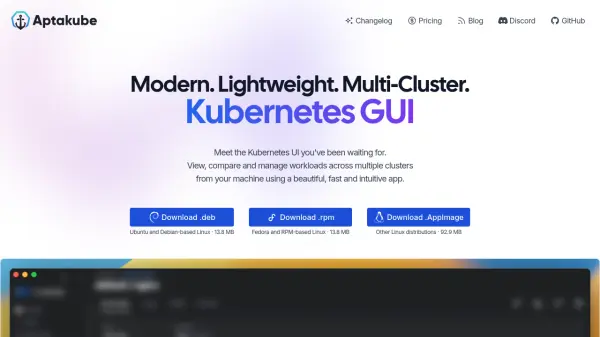
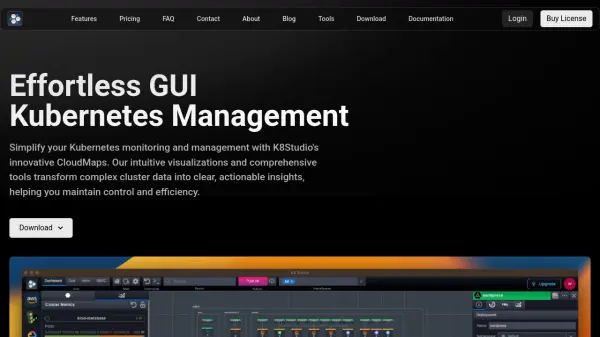
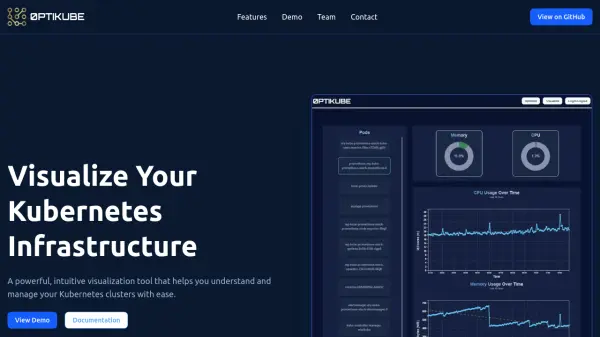
Provides a powerful and intuitive way to visualize Kubernetes infrastructure, simplifying the process of understanding and managing clusters. It offers real-time monitoring capabilities through a custom dashboard, allowing users to keep track of their cluster's status continuously.
Users can switch between different display modes to either visualize the resource usage of individual pods or gain a comprehensive overview of the entire cluster. Additionally, the tool incorporates AI to assist in identifying resource bottlenecks and optimizing infrastructure for enhanced performance.
Users can switch between different display modes to either visualize the resource usage of individual pods or gain a comprehensive overview of the entire cluster. Additionally, the tool incorporates AI to assist in identifying resource bottlenecks and optimizing infrastructure for enhanced performance.
Features
- Real-time Monitoring: Monitor your Kubernetes cluster in real-time with our custom dashboard.
- Display Modes: Visualize resource usage of each pod or get a cluster overview.
- Resource Optimization: Identify resource bottlenecks and optimize your infrastructure for better performance using AI.
Use Cases
- Monitoring Kubernetes cluster health in real-time.
- Visualizing resource usage per pod.
- Getting a high-level overview of cluster performance.
- Identifying and resolving resource bottlenecks in Kubernetes.
- Optimizing Kubernetes infrastructure using AI insights.