mcp-cli
A command-line inspector and client for the Model Context Protocol
Key Features
Use Cases
README
mcp-cli
A CLI inspector for the Model Context Protocol
https://github.com/user-attachments/assets/4cd113e9-f097-4c9d-b391-045c5f213183
Features
- Run MCP servers from various sources
- List Tools, Resources, Prompts
- Call Tools, Read Resources, Read Prompts
- OAuth support for SSE and Streamable HTTP servers
Usage
Run without arguments
npx @wong2/mcp-cli
This will use the config file of Claude Desktop.
Run with a config file
npx @wong2/mcp-cli -c config.json
The config file has the same format as the Claude Desktop config file.
Run servers from NPM
npx @wong2/mcp-cli npx <package-name> <args>
Run locally developed server
npx @wong2/mcp-cli node path/to/server/index.js args...
Connect to a running server over Streamable HTTP
npx @wong2/mcp-cli --url http://localhost:8000/mcp
Connect to a running server over SSE
npx @wong2/mcp-cli --sse http://localhost:8000/sse
Non-interactive mode
Run a specific tool, resource, or prompt without interactive prompts:
npx @wong2/mcp-cli [--config config.json] <command> <server-name>:<target> [--args '{}']
Examples:
# Call a tool without arguments
npx @wong2/mcp-cli -c config.json call-tool filesystem:list_files

# Call a tool with arguments
npx @wong2/mcp-cli -c config.json call-tool filesystem:read_file --args '{"path": "package.json"}'

# Read a resource
npx @wong2/mcp-cli -c config.json read-resource filesystem:file://system/etc/hosts

# Use a prompt
npx @wong2/mcp-cli -c config.json get-prompt filesystem:create_summary --args '{"text": "Hello world"}'
This mode is useful for scripting and automation, as it bypasses all interactive prompts and executes the specified primitive directly.
Purge stored data (OAuth tokens, etc.)
npx @wong2/mcp-cli purge
Related
- mcpservers.org - A curated list of MCP servers
Star History
Repository Owner

User
Repository Details
Programming Languages
Tags
Join Our Newsletter
Stay updated with the latest AI tools, news, and offers by subscribing to our weekly newsletter.
Related MCPs
Discover similar Model Context Protocol servers
MCP Manager for Claude Desktop
A desktop app to manage Model Context Protocol (MCP) servers for Claude Desktop on MacOS.
MCP Manager for Claude Desktop provides a user-friendly interface to manage Model Context Protocol (MCP) servers, enabling Claude to access private data, APIs, and local or remote services securely from a MacOS desktop. It facilitates rapid configuration and integration with a wide variety of MCP servers, including productivity tools, databases, and web APIs. The app runs locally to ensure data privacy and streamlines connecting Claude to new sources through simple environment and server settings management.
- ⭐ 270
- MCP
- zueai/mcp-manager

FastMCP
TypeScript framework for building robust MCP servers with minimal setup.
FastMCP is a TypeScript framework designed for building servers that adhere to the Model Context Protocol (MCP), enabling efficient management of client sessions and context. It streamlines the creation of MCP servers by providing intuitive APIs, built-in authentication, session and request tracking, and support for handling various content types such as images and audio. The framework also enforces best practices around error handling, logging, and streaming outputs. Developers benefit from reduced boilerplate and a focus on core MCP functionality.
- ⭐ 2,738
- MCP
- punkpeye/fastmcp
ws-mcp
WebSocket bridge for MCP stdio servers.
ws-mcp wraps Model Context Protocol (MCP) stdio servers with a WebSocket interface, enabling seamless integration with web-based clients and tools. It allows users to configure and launch multiple MCP servers via a flexible configuration file or command-line arguments. The tool is designed to be compatible with services such as wcgw, fetch, and other MCP-compliant servers, providing standardized access to system operations, HTTP requests, and more. Integration with tools like Kibitz enables broader applications in model interaction workflows.
- ⭐ 19
- MCP
- nick1udwig/ws-mcp
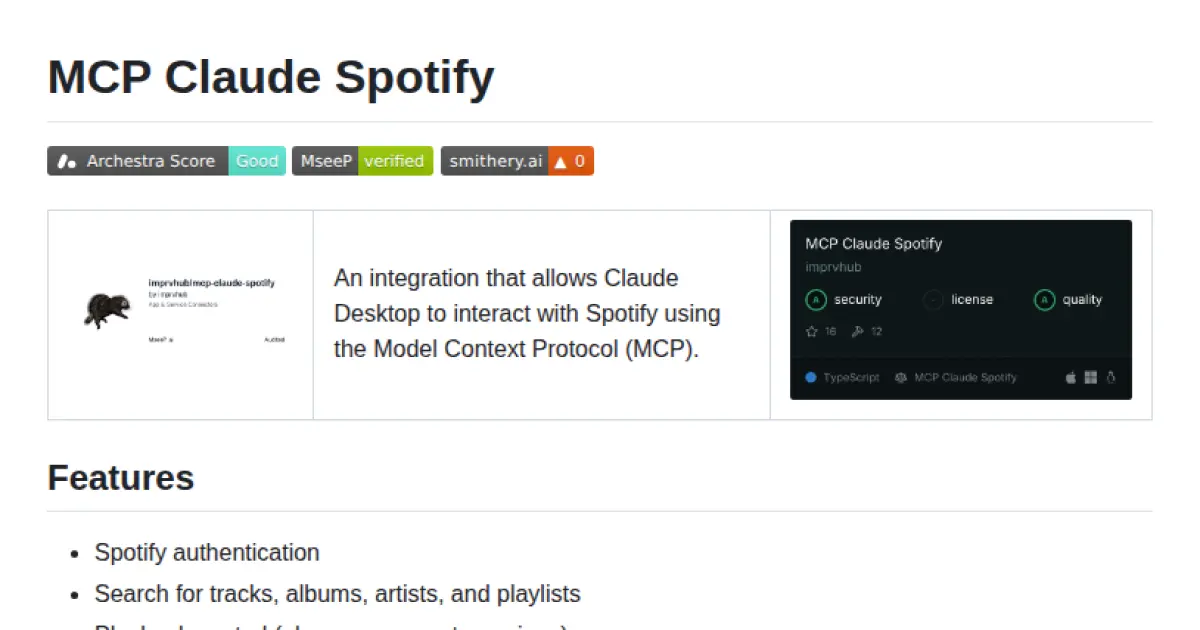
MCP Claude Spotify
Connect Claude Desktop to Spotify using the Model Context Protocol.
MCP Claude Spotify enables seamless integration between Claude Desktop and Spotify using the Model Context Protocol (MCP). It allows users to authenticate with Spotify, control playback, manage playlists, search for music, and access personalized recommendations directly from Claude Desktop. The solution supports both manual setup and auto-start with Claude Desktop, making it easy to interact with the Spotify API in a standardized way. Spotify credentials are required for setup and operation.
- ⭐ 20
- MCP
- imprvhub/mcp-claude-spotify
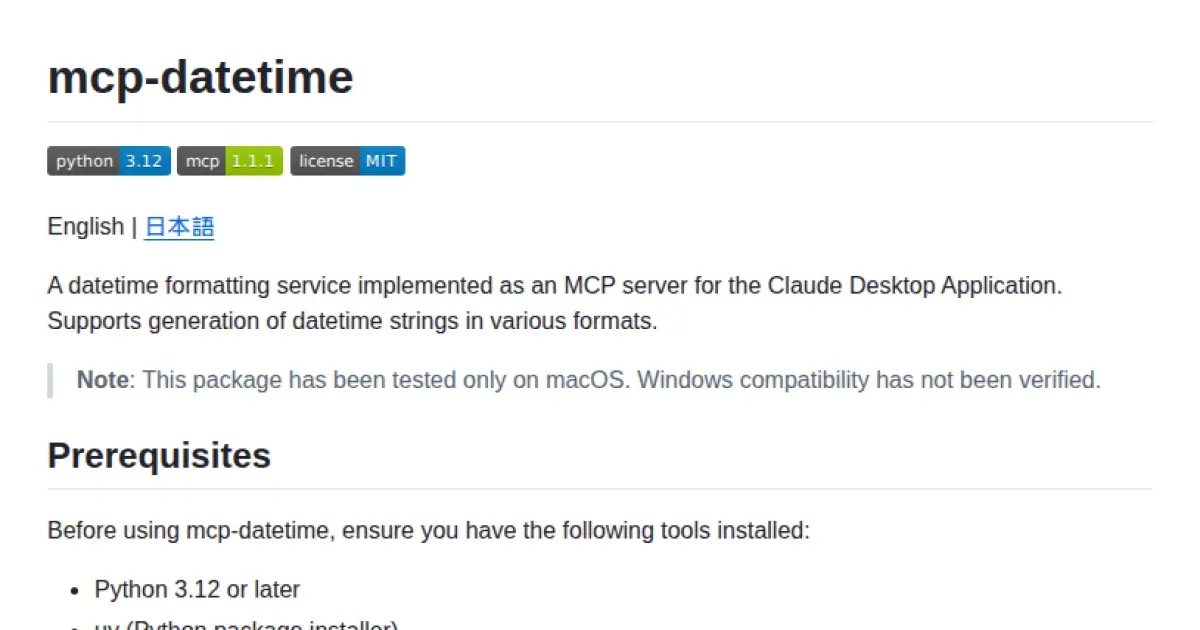
mcp-datetime
Datetime formatting service MCP server for Claude Desktop App
mcp-datetime provides a datetime formatting service implemented as an MCP server for integration with the Claude Desktop Application. It offers generation of current date and time strings in various formats, including standard, Japanese, ISO, and filename-friendly outputs. The server exposes a 'get_datetime' tool for easy retrieval of formatted dates and times with support for timezone handling and multi-language output. Seamless integration and Python packaging facilitate installation and extensibility.
- ⭐ 25
- MCP
- ZeparHyfar/mcp-datetime
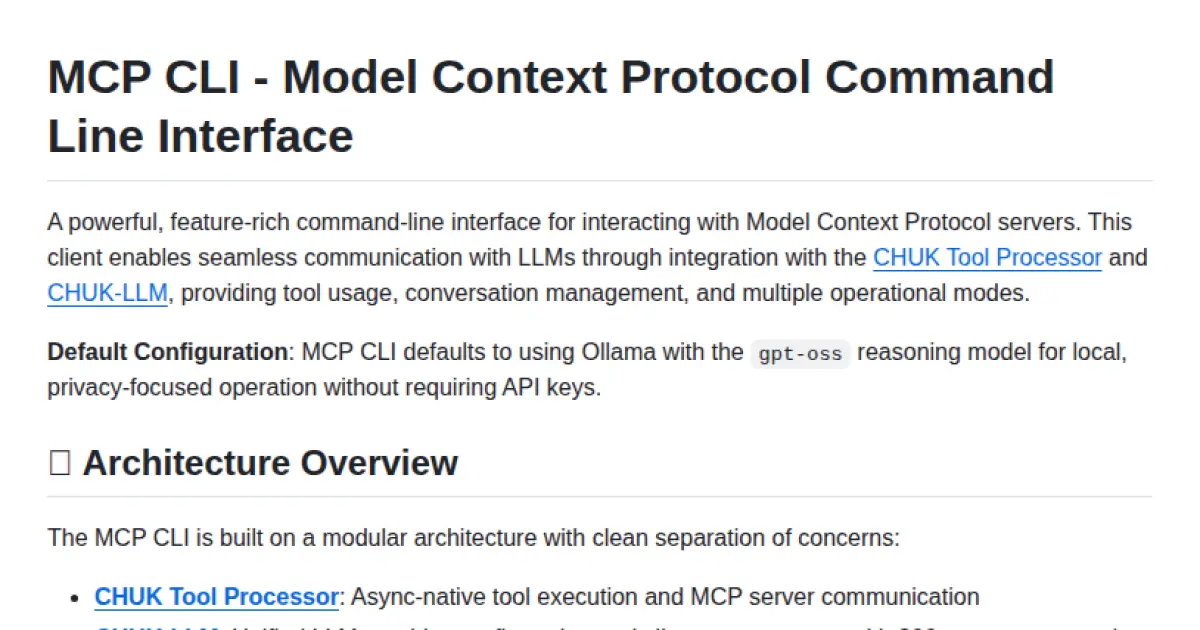
MCP CLI
A powerful CLI for seamless interaction with Model Context Protocol servers and advanced LLMs.
MCP CLI is a modular command-line interface designed for interacting with Model Context Protocol (MCP) servers and managing conversations with large language models. It integrates with the CHUK Tool Processor and CHUK-LLM to provide real-time chat, interactive command shells, and automation capabilities. The system supports a wide array of AI providers and models, advanced tool usage, context management, and performance metrics. Rich output formatting, concurrent tool execution, and flexible configuration make it suitable for both end-users and developers.
- ⭐ 1,755
- MCP
- chrishayuk/mcp-cli
Didn't find tool you were looking for?