docker-mcp
A powerful MCP server for seamless Docker container and compose stack management.
Key Features
Use Cases
README
🐳 docker-mcp


A powerful Model Context Protocol (MCP) server for Docker operations, enabling seamless container and compose stack management through Claude AI.
✨ Features
- 🚀 Container creation and instantiation
- 📦 Docker Compose stack deployment
- 🔍 Container logs retrieval
- 📊 Container listing and status monitoring
🎬 Demos
Deploying a Docker Compose Stack
https://github.com/user-attachments/assets/b5f6e40a-542b-4a39-ba12-7fdf803ee278
Analyzing Container Logs
https://github.com/user-attachments/assets/da386eea-2fab-4835-82ae-896de955d934
🚀 Quickstart
To try this in Claude Desktop app, add this to your claude config files:
{
  "mcpServers": {
    "docker-mcp": {
      "command": "uvx",
      "args": [
        "docker-mcp"
      ]
    }
  }
}
Installing via Smithery
To install Docker MCP for Claude Desktop automatically via Smithery:
npx @smithery/cli install docker-mcp --client claude
Prerequisites
- UV (package manager)
- Python 3.12+
- Docker Desktop or Docker Engine
- Claude Desktop
Installation
Claude Desktop Configuration
Add the server configuration to your Claude Desktop config file:
MacOS: ~/Library/Application\ Support/Claude/claude_desktop_config.json
Windows: %APPDATA%/Claude/claude_desktop_config.json
{
  "mcpServers": {
    "docker-mcp": {
      "command": "uv",
      "args": [
        "--directory",
        "<path-to-docker-mcp>",
        "run",
        "docker-mcp"
      ]
    }
  }
}
{
  "mcpServers": {
    "docker-mcp": {
      "command": "uvx",
      "args": [
        "docker-mcp"
      ]
    }
  }
}
🛠️ Development
Local Setup
- Clone the repository:
git clone https://github.com/QuantGeekDev/docker-mcp.git
cd docker-mcp
- Create and activate a virtual environment:
python -m venv venv
source venv/bin/activate  # On Windows: venv\Scripts\activate
- Install dependencies:
uv sync
🔍 Debugging
Launch the MCP Inspector for debugging:
npx @modelcontextprotocol/inspector uv --directory <path-to-docker-mcp> run docker-mcp
The Inspector will provide a URL to access the debugging interface.
📝 Available Tools
The server provides the following tools:
create-container
Creates a standalone Docker container
{
    "image": "image-name",
    "name": "container-name",
    "ports": {"80": "80"},
    "environment": {"ENV_VAR": "value"}
}
deploy-compose
Deploys a Docker Compose stack
{
    "project_name": "example-stack",
    "compose_yaml": "version: '3.8'\nservices:\n  service1:\n    image: image1:latest\n    ports:\n      - '8080:80'"
}
get-logs
Retrieves logs from a specific container
{
    "container_name": "my-container"
}
list-containers
Lists all Docker containers
{}
🚧 Current Limitations
- No built-in environment variable support for containers
- No volume management
- No network management
- No container health checks
- No container restart policies
- No container resource limits
🤝 Contributing
- Fork the repository from docker-mcp
- Create your feature branch
- Commit your changes
- Push to the branch
- Open a Pull Request
📜 License
This project is licensed under the MIT License - see the LICENSE file for details.
✨ Authors
- Alex Andru - Initial work | Core contributor - @QuantGeekDev
- Ali Sadykov - Initial work | Core contributor - @md-archive
Made with ❤️
Star History
Repository Owner

User
Repository Details
Programming Languages
Tags
Join Our Newsletter
Stay updated with the latest AI tools, news, and offers by subscribing to our weekly newsletter.
Related MCPs
Discover similar Model Context Protocol servers
QuantConnect MCP Server
Official bridge for secure AI access to QuantConnect's algorithmic trading cloud platform
QuantConnect MCP Server enables artificial intelligence systems such as Claude and OpenAI to interface with QuantConnect's cloud platform through an official, secure, and dockerized implementation of the Model Context Protocol (MCP). It facilitates automated project management, strategy writing, backtesting, and live deployment by exposing a comprehensive suite of API tools for users with valid access credentials. As the maintained official version, it ensures security, easy deployment, and cross-platform compatibility for advanced algorithmic trading automation.
- ⭐ 50
- MCP
- QuantConnect/mcp-server
Dune Analytics MCP Server
Bridge Dune Analytics data seamlessly to AI agents via a Model Context Protocol server.
Dune Analytics MCP Server provides a Model Context Protocol-compliant server that allows AI agents to access and interact with Dune Analytics data. It exposes tools to fetch the latest results of Dune queries and execute arbitrary queries, returning results in CSV format. The server is easily deployable, supports integration with platforms like Claude Desktop, and requires a Dune Analytics API key for operation.
- ⭐ 31
- MCP
- kukapay/dune-analytics-mcp
Dappier MCP Server
Real-time web search and premium data access for AI agents via Model Context Protocol.
Dappier MCP Server enables fast, real-time web search and access to premium data sources, including news, financial markets, sports, and weather, for AI agents using the Model Context Protocol (MCP). It integrates seamlessly with tools like Claude Desktop and Cursor, allowing users to enhance their AI workflows with up-to-date, trusted information. Simple installation and configuration are provided for multiple platforms, leveraging API keys for secure access. The solution supports deployment via Smithery and direct installation with 'uv', facilitating rapid setup for developers.
- ⭐ 35
- MCP
- DappierAI/dappier-mcp
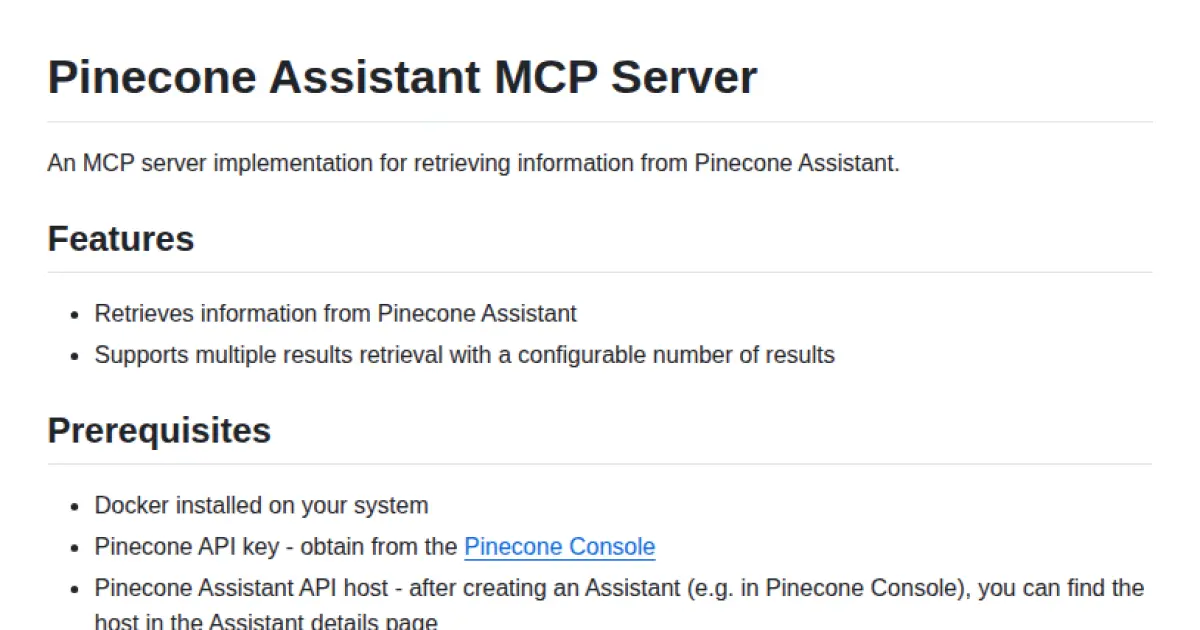
Pinecone Assistant MCP Server
An MCP server for retrieving information from Pinecone Assistant.
Pinecone Assistant MCP Server is an implementation of the Model Context Protocol (MCP) for seamless integration with Pinecone Assistant. It enables retrieval of information and supports configurable multiple result fetching. The server can be run via Docker or built from source with Rust and integrates with tools like Claude Desktop.
- ⭐ 37
- MCP
- pinecone-io/assistant-mcp
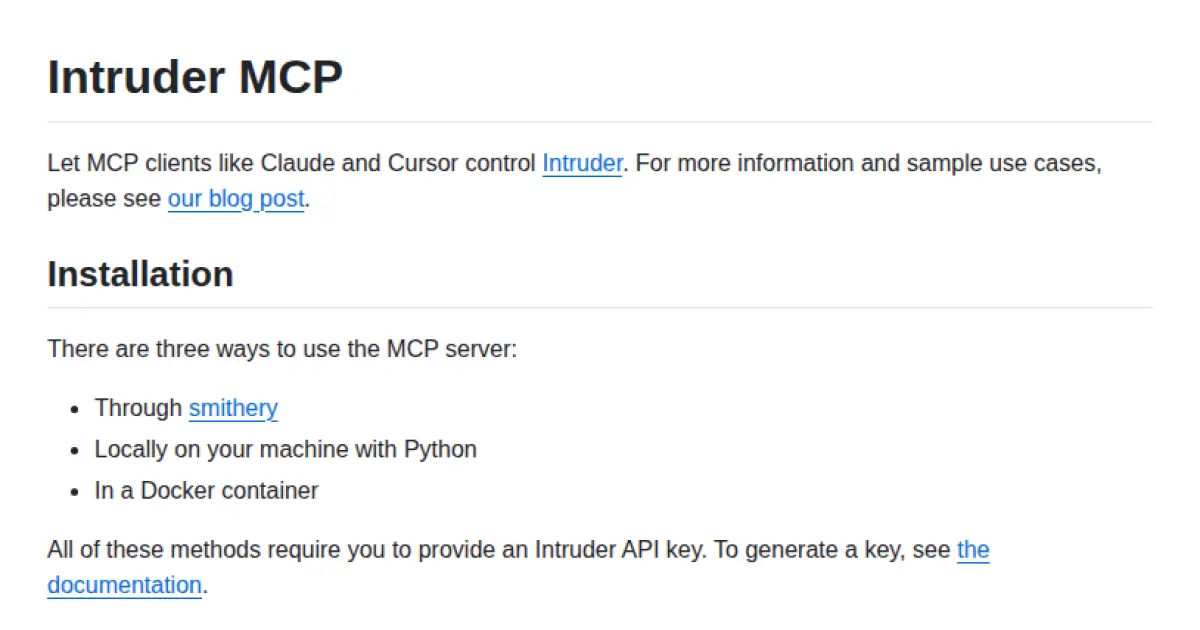
Intruder MCP
Enable AI agents to control Intruder.io via the Model Context Protocol.
Intruder MCP allows AI model clients such as Claude and Cursor to interactively control the Intruder vulnerability scanner through the Model Context Protocol. It can be deployed using smithery, locally with Python, or in a Docker container, requiring only an Intruder API key for secure access. The tool provides integration instructions tailored for MCP-compatible clients, streamlining vulnerability management automation for AI-driven workflows.
- ⭐ 21
- MCP
- intruder-io/intruder-mcp
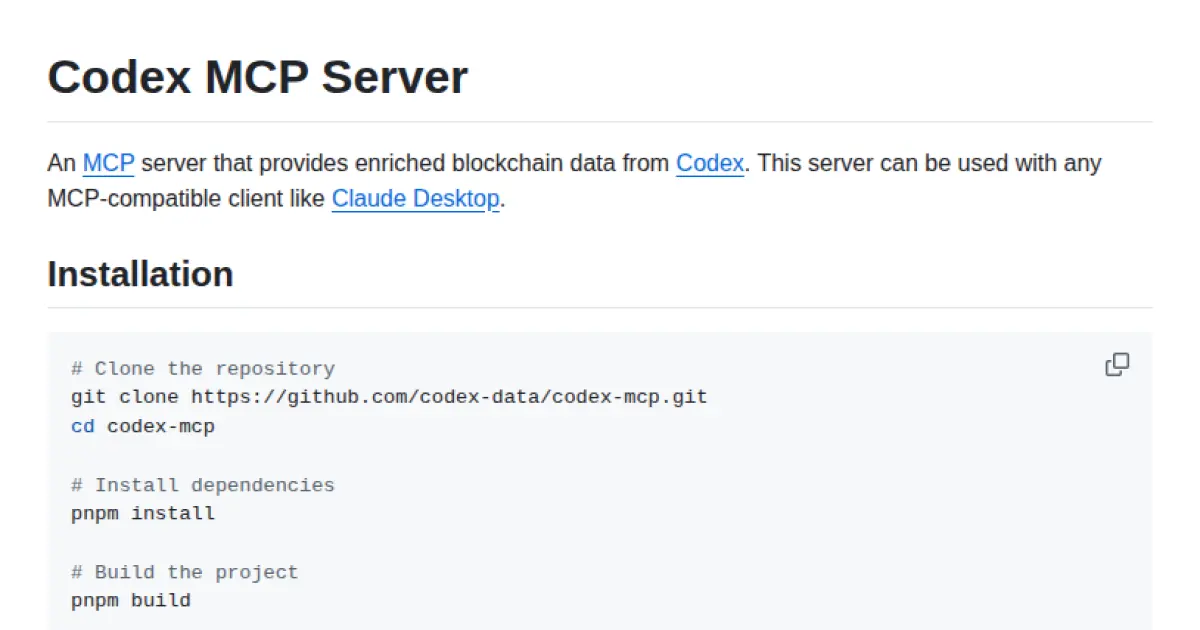
Codex MCP Server
An MCP-compatible server delivering enriched blockchain data for AI models.
Codex MCP Server implements the Model Context Protocol to provide enriched blockchain data from Codex. It is compatible with MCP clients such as Claude Desktop and Claude CLI, allowing seamless integration in AI workflows that require blockchain context. Users can run the server locally or via npx, and configure it for various MCP-compatible tools using their Codex API key.
- ⭐ 20
- MCP
- Codex-Data/codex-mcp
Didn't find tool you were looking for?