Tripadvisor MCP Server
Standardized MCP access to Tripadvisor travel data for AI assistants
Key Features
Use Cases
README
Tripadvisor MCP Server
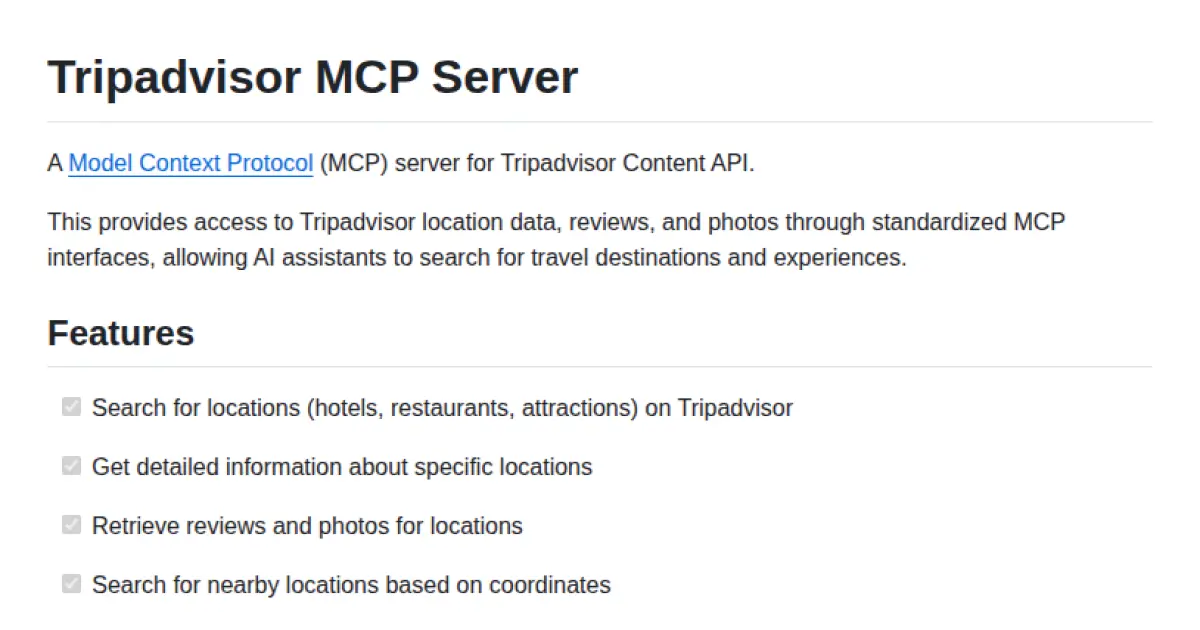
A Model Context Protocol (MCP) server for Tripadvisor Content API.
This provides access to Tripadvisor location data, reviews, and photos through standardized MCP interfaces, allowing AI assistants to search for travel destinations and experiences.
Features
-
Search for locations (hotels, restaurants, attractions) on Tripadvisor
-
Get detailed information about specific locations
-
Retrieve reviews and photos for locations
-
Search for nearby locations based on coordinates
-
API Key authentication
-
Docker containerization support
-
Provide interactive tools for AI assistants
The list of tools is configurable, so you can choose which tools you want to make available to the MCP client.
Usage
-
Get your Tripadvisor Content API key from the Tripadvisor Developer Portal.
-
Configure the environment variables for your Tripadvisor Content API, either through a
.envfile or system environment variables:
# Required: Tripadvisor Content API configuration
TRIPADVISOR_API_KEY=your_api_key_here
- Add the server configuration to your client configuration file. For example, for Claude Desktop:
{
  "mcpServers": {
    "tripadvisor": {
      "command": "uv",
      "args": [
        "--directory",
        "<full path to tripadvisor-mcp directory>",
        "run",
        "src/tripadvisor_mcp/main.py"
      ],
      "env": {
        "TRIPADVISOR_API_KEY": "your_api_key_here"
      }
    }
  }
}
Note: if you see
Error: spawn uv ENOENTin Claude Desktop, you may need to specify the full path touvor set the environment variableNO_UV=1in the configuration.
Docker Usage
This project includes Docker support for easy deployment and isolation.
Building the Docker Image
Build the Docker image using:
docker build -t tripadvisor-mcp-server .
Running with Docker
You can run the server using Docker in several ways:
Using docker run directly:
docker run -it --rm \
  -e TRIPADVISOR_API_KEY=your_api_key_here \
  tripadvisor-mcp-server
Using docker-compose:
Create a .env file with your Tripadvisor API key and then run:
docker-compose up
Running with Docker in Claude Desktop
To use the containerized server with Claude Desktop, update the configuration to use Docker with the environment variables:
{
  "mcpServers": {
    "tripadvisor": {
      "command": "docker",
      "args": [
        "run",
        "--rm",
        "-i",
        "-e", "TRIPADVISOR_API_KEY",
        "tripadvisor-mcp-server"
      ],
      "env": {
        "TRIPADVISOR_API_KEY": "your_api_key_here"
      }
    }
  }
}
This configuration passes the environment variables from Claude Desktop to the Docker container by using the -e flag with just the variable name, and providing the actual values in the env object.
Development
Contributions are welcome! Please open an issue or submit a pull request if you have any suggestions or improvements.
This project uses uv to manage dependencies. Install uv following the instructions for your platform:
curl -LsSf https://astral.sh/uv/install.sh | sh
You can then create a virtual environment and install the dependencies with:
uv venv
source .venv/bin/activate  # On Unix/macOS
.venv\Scripts\activate     # On Windows
uv pip install -e .
Project Structure
The project has been organized with a src directory structure:
tripadvisor-mcp/
├── src/
│   └── tripadvisor_mcp/
│       ├── __init__.py      # Package initialization
│       ├── server.py        # MCP server implementation
│       ├── main.py          # Main application logic
├── Dockerfile               # Docker configuration
├── docker-compose.yml       # Docker Compose configuration
├── .dockerignore            # Docker ignore file
├── pyproject.toml           # Project configuration
└── README.md                # This file
Testing
The project includes a test suite that ensures functionality and helps prevent regressions.
Run the tests with pytest:
# Install development dependencies
uv pip install -e ".[dev]"

# Run the tests
pytest

# Run with coverage report
pytest --cov=src --cov-report=term-missing
Tools
| Tool | Category | Description |
|---|---|---|
search_locations |
Search | Search for locations by query text, category, and other filters |
search_nearby_locations |
Search | Find locations near specific coordinates |
get_location_details |
Retrieval | Get detailed information about a location |
get_location_reviews |
Retrieval | Retrieve reviews for a location |
get_location_photos |
Retrieval | Get photos for a location |
License
MIT
Star History
Repository Owner

User
Repository Details
Programming Languages
Tags
Join Our Newsletter
Stay updated with the latest AI tools, news, and offers by subscribing to our weekly newsletter.
Related MCPs
Discover similar Model Context Protocol servers
mcp-kibela
MCP server for secure, AI-assisted access to Kibela notes.
mcp-kibela is a Model Context Protocol (MCP) server implementation that enables AI assistants to search, retrieve, create, and update content from Kibela, a team knowledge-sharing platform. It provides standardized endpoints for note search, fetching individual or recent notes, and managing note content. Integrating with tools like Claude, Cursor, and VSCode, it allows seamless, secure access to organizational knowledge through MCP-enabled clients. Authentication via environment variables ensures secure connections to Kibela APIs.
- ⭐ 12
- MCP
- kj455/mcp-kibela
AllTrails MCP Server
MCP server for seamless AllTrails data access and integration
AllTrails MCP Server provides Model Context Protocol (MCP) compliant access to AllTrails hiking trail data, enabling AI tools to search for trails and retrieve detailed trail information. It supports searching by national park and fetching comprehensive details such as difficulty, length, elevation, ratings, and route types. The server communicates via standard input/output and is designed for easy integration with MCP-compatible clients like Claude Desktop. Installation is flexible, supporting both virtual environments and system Python setups.
- ⭐ 6
- MCP
- srinath1510/alltrails-mcp-server
Unichat MCP Server
Universal MCP server providing context-aware AI chat and code tools across major model vendors.
Unichat MCP Server enables sending standardized requests to leading AI model vendors, including OpenAI, MistralAI, Anthropic, xAI, Google AI, DeepSeek, Alibaba, and Inception, utilizing the Model Context Protocol. It features unified endpoints for chat interactions and provides specialized tools for code review, documentation generation, code explanation, and programmatic code reworking. The server is designed for seamless integration with platforms like Claude Desktop and installation via Smithery. Vendor API keys are required for secure access to supported providers.
- ⭐ 37
- MCP
- amidabuddha/unichat-mcp-server
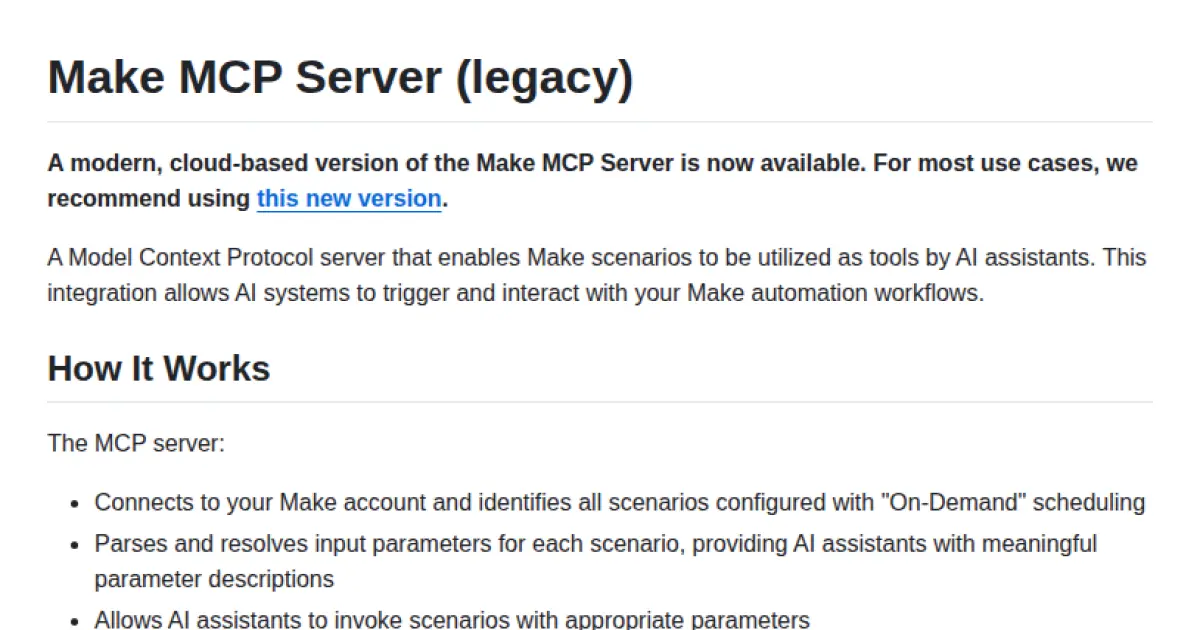
Make MCP Server (legacy)
Enable AI assistants to utilize Make automation workflows as callable tools.
Make MCP Server (legacy) provides a Model Context Protocol (MCP) server that connects AI assistants with Make scenarios configured for on-demand execution. It parses and exposes scenario parameters, allowing AI systems to invoke automation workflows and receive structured JSON outputs. The server supports secure integration through API keys and facilitates seamless communication between AI and Make's automation platform.
- ⭐ 142
- MCP
- integromat/make-mcp-server
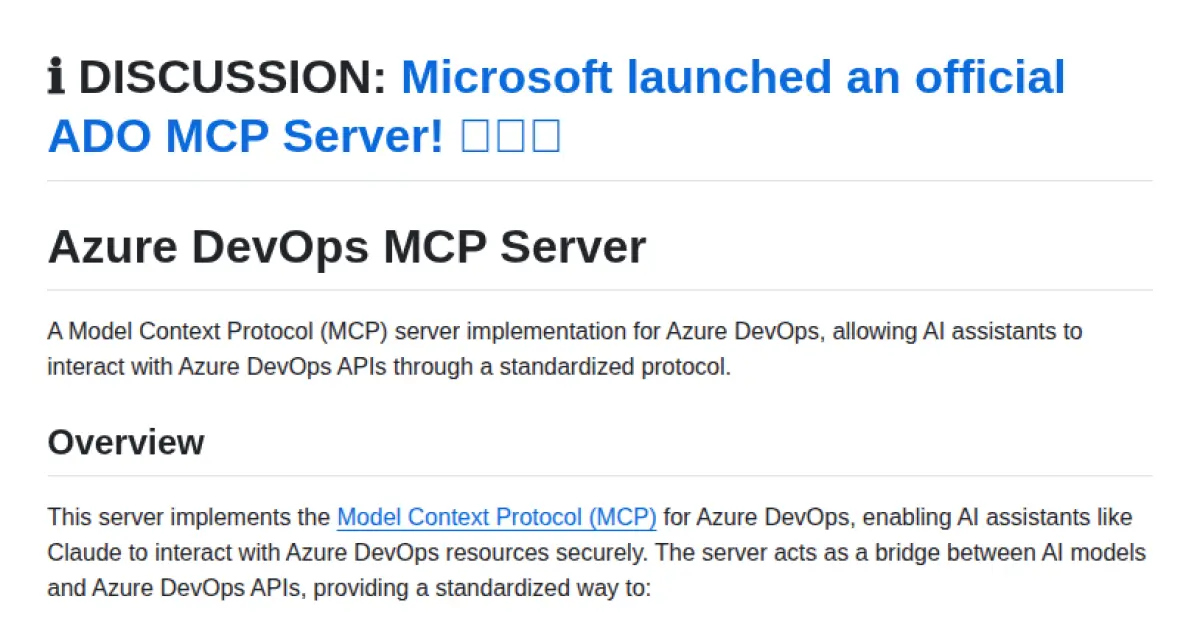
Azure DevOps MCP Server
Standardized AI access to Azure DevOps via Model Context Protocol.
Implements the Model Context Protocol (MCP) to enable AI assistants to securely and efficiently interact with Azure DevOps resources. Provides a standardized bridge for managing projects, work items, repositories, pull requests, and pipelines through natural language interfaces. Supports modular authentication and a feature-based architecture for scalability and integration. Facilitates seamless integration with AI tools such as Claude Desktop and Cursor AI.
- ⭐ 306
- MCP
- Tiberriver256/mcp-server-azure-devops
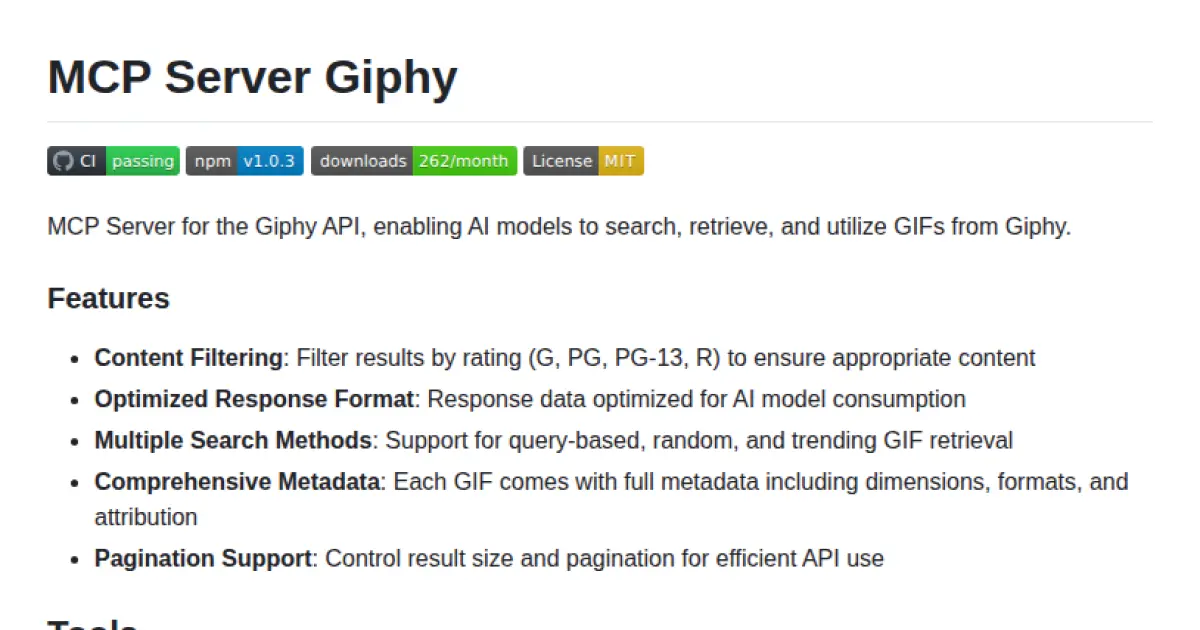
MCP Server Giphy
MCP-compatible Giphy API server for AI models to search and retrieve GIFs.
MCP Server Giphy provides an MCP-compliant server interface for accessing GIFs from the Giphy API, specifically tailored for seamless integration with AI models. It supports content filtering, multiple retrieval methods (search, trending, random), and optimized response formats with comprehensive metadata. The server enables AI applications to search, retrieve, and utilize GIF content efficiently, and is easily configurable with tools like Claude Desktop.
- ⭐ 22
- MCP
- magarcia/mcp-server-giphy
Didn't find tool you were looking for?