BigQuery MCP Server
MCP server enabling LLMs to access and interact with BigQuery databases.
Key Features
Use Cases
README
BigQuery MCP server
A Model Context Protocol server that provides access to BigQuery. This server enables LLMs to inspect database schemas and execute queries.
Components
Tools
The server implements one tool:
execute-query: Executes a SQL query using BigQuery dialectlist-tables: Lists all tables in the BigQuery databasedescribe-table: Describes the schema of a specific table
Configuration
The server can be configured either with command line arguments or environment variables.
| Argument | Environment Variable | Required | Description |
|---|---|---|---|
--project |
BIGQUERY_PROJECT |
Yes | The GCP project ID. |
--location |
BIGQUERY_LOCATION |
Yes | The GCP location (e.g. europe-west9). |
--dataset |
BIGQUERY_DATASETS |
No | Only take specific BigQuery datasets into consideration. Several datasets can be specified by repeating the argument (e.g. --dataset my_dataset_1 --dataset my_dataset_2) or by joining them with a comma in the environment variable (e.g. BIGQUERY_DATASETS=my_dataset_1,my_dataset_2). If not provided, all datasets in the project will be considered. |
--key-file |
BIGQUERY_KEY_FILE |
No | Path to a service account key file for BigQuery. If not provided, the server will use the default credentials. |
Quickstart
Install
Installing via Smithery
To install BigQuery Server for Claude Desktop automatically via Smithery:
npx -y @smithery/cli install mcp-server-bigquery --client claude
Claude Desktop
On MacOS: ~/Library/Application\ Support/Claude/claude_desktop_config.json
On Windows: %APPDATA%/Claude/claude_desktop_config.json
Development/Unpublished Servers Configuration
"mcpServers": {
  "bigquery": {
    "command": "uv",
    "args": [
      "--directory",
      "{{PATH_TO_REPO}}",
      "run",
      "mcp-server-bigquery",
      "--project",
      "{{GCP_PROJECT_ID}}",
      "--location",
      "{{GCP_LOCATION}}"
    ]
  }
}
Published Servers Configuration
"mcpServers": {
  "bigquery": {
    "command": "uvx",
    "args": [
      "mcp-server-bigquery",
      "--project",
      "{{GCP_PROJECT_ID}}",
      "--location",
      "{{GCP_LOCATION}}"
    ]
  }
}
Replace {{PATH_TO_REPO}}, {{GCP_PROJECT_ID}}, and {{GCP_LOCATION}} with the appropriate values.
Development
Building and Publishing
To prepare the package for distribution:
-
Increase the version number in
pyproject.toml -
Sync dependencies and update lockfile:
uv sync
- Build package distributions:
uv build
This will create source and wheel distributions in the dist/ directory.
- Publish to PyPI:
uv publish
Note: You'll need to set PyPI credentials via environment variables or command flags:
- Token:
--tokenorUV_PUBLISH_TOKEN - Or username/password:
--username/UV_PUBLISH_USERNAMEand--password/UV_PUBLISH_PASSWORD
Debugging
Since MCP servers run over stdio, debugging can be challenging. For the best debugging experience, we strongly recommend using the MCP Inspector.
You can launch the MCP Inspector via npm with this command:
npx @modelcontextprotocol/inspector uv --directory {{PATH_TO_REPO}} run mcp-server-bigquery
Upon launching, the Inspector will display a URL that you can access in your browser to begin debugging.
Star History
Repository Owner

User
Repository Details
Programming Languages
Tags
Topics
Join Our Newsletter
Stay updated with the latest AI tools, news, and offers by subscribing to our weekly newsletter.
Related MCPs
Discover similar Model Context Protocol servers
mcp-graphql
Enables LLMs to interact dynamically with GraphQL APIs via Model Context Protocol.
mcp-graphql provides a Model Context Protocol (MCP) server that allows large language models to discover and interact with GraphQL APIs. The implementation facilitates schema introspection, exposes the GraphQL schema as a resource, and enables secure query and mutation execution based on configuration. It supports configuration through environment variables, automated or manual installation options, and offers flexibility in using local or remote schema files. By default, mutation operations are disabled for security, but can be enabled if required.
- ⭐ 319
- MCP
- blurrah/mcp-graphql
XiYan MCP Server
A server enabling natural language queries to SQL databases via the Model Context Protocol.
XiYan MCP Server is a Model Context Protocol (MCP) compliant server that allows users to query SQL databases such as MySQL and PostgreSQL using natural language. It leverages the XiYanSQL model, providing state-of-the-art text-to-SQL translation and supports both general LLMs and local deployment for enhanced security. The server lists available database tables as resources and can read table contents, making it simple to integrate with different applications.
- ⭐ 218
- MCP
- XGenerationLab/xiyan_mcp_server
Databricks MCP Server
Expose Databricks data and jobs securely with Model Context Protocol for LLMs.
Databricks MCP Server implements the Model Context Protocol (MCP) to provide a bridge between Databricks APIs and large language models. It enables LLMs to run SQL queries, list Databricks jobs, retrieve job statuses, and fetch detailed job information via a standardized MCP interface. The server handles authentication, secure environment configuration, and provides accessible endpoints for interaction with Databricks workspaces.
- ⭐ 42
- MCP
- JordiNeil/mcp-databricks-server
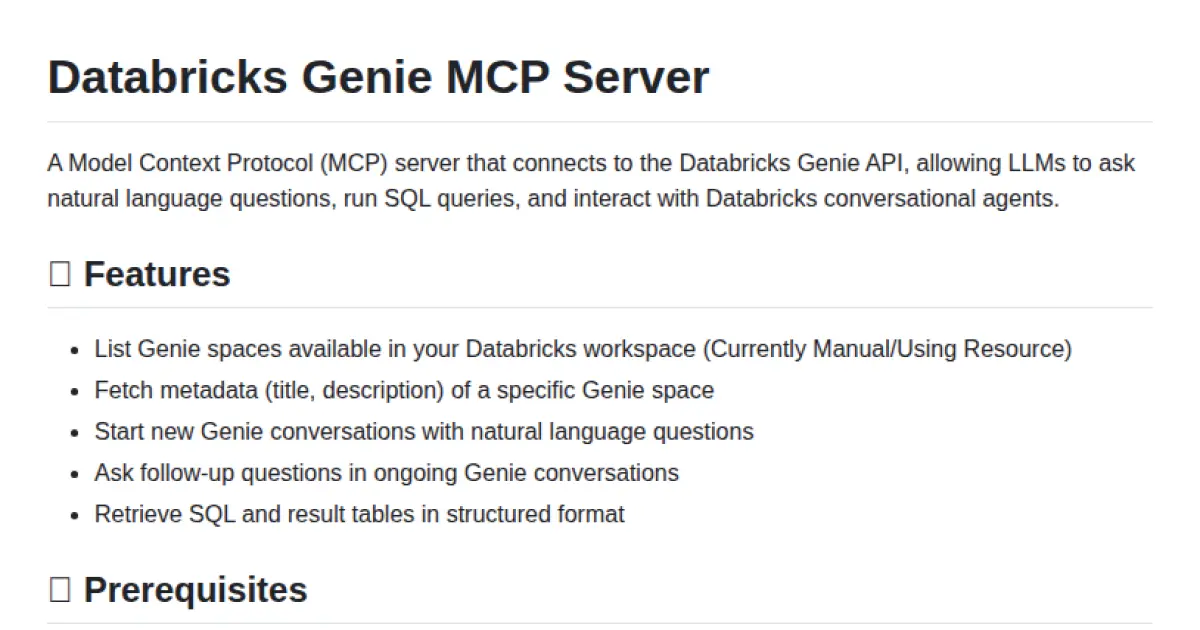
Databricks Genie MCP Server
Bridge natural language queries to Databricks Genie via Model Context Protocol.
Databricks Genie MCP Server enables interaction between large language models and the Databricks Genie API using the Model Context Protocol. It allows users to ask natural language questions, start and manage conversations, and run SQL queries in Genie spaces. The tool provides structured results, supports follow-up queries, and facilitates connection through both standard and Docker-based setups. Designed for use with Claude Desktop, it streamlines conversational analytics within Databricks workspaces.
- ⭐ 12
- MCP
- yashshingvi/databricks-genie-MCP
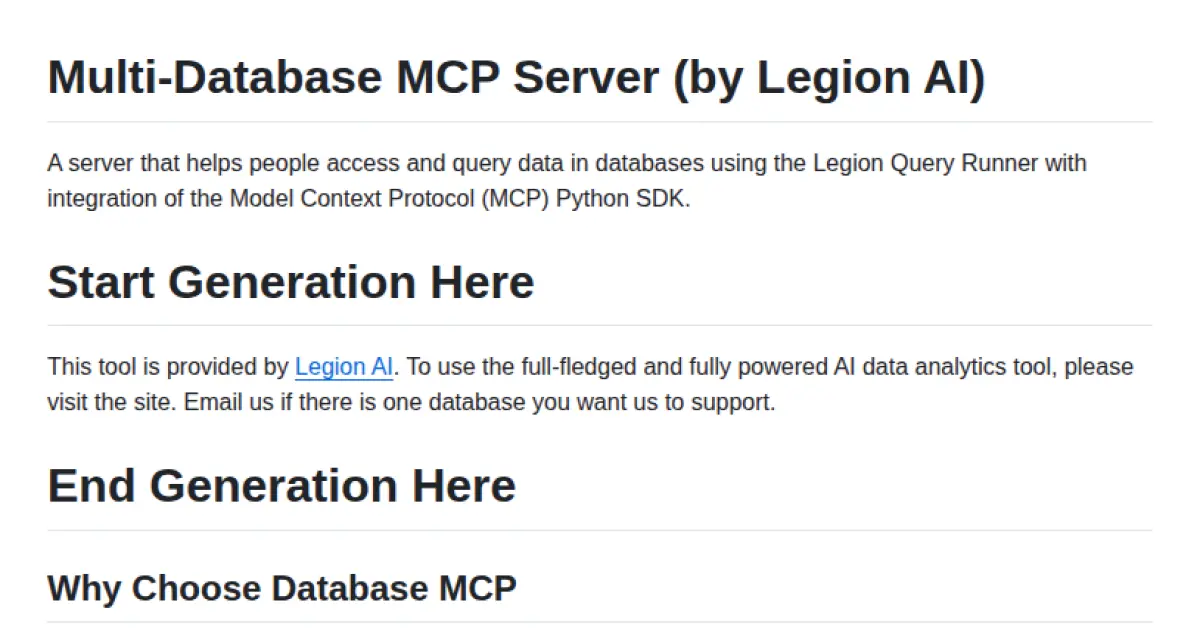
Multi-Database MCP Server (by Legion AI)
Unified multi-database access and AI interaction server with MCP integration.
Multi-Database MCP Server enables seamless access and querying of diverse databases via a unified API, with native support for the Model Context Protocol (MCP). It supports popular databases such as PostgreSQL, MySQL, SQL Server, and more, and is built for integration with AI assistants and agents. Leveraging the MCP Python SDK, it exposes databases as resources, tools, and prompts for intelligent, context-aware interactions, while delivering zero-configuration schema discovery and secure credential management.
- ⭐ 76
- MCP
- TheRaLabs/legion-mcp
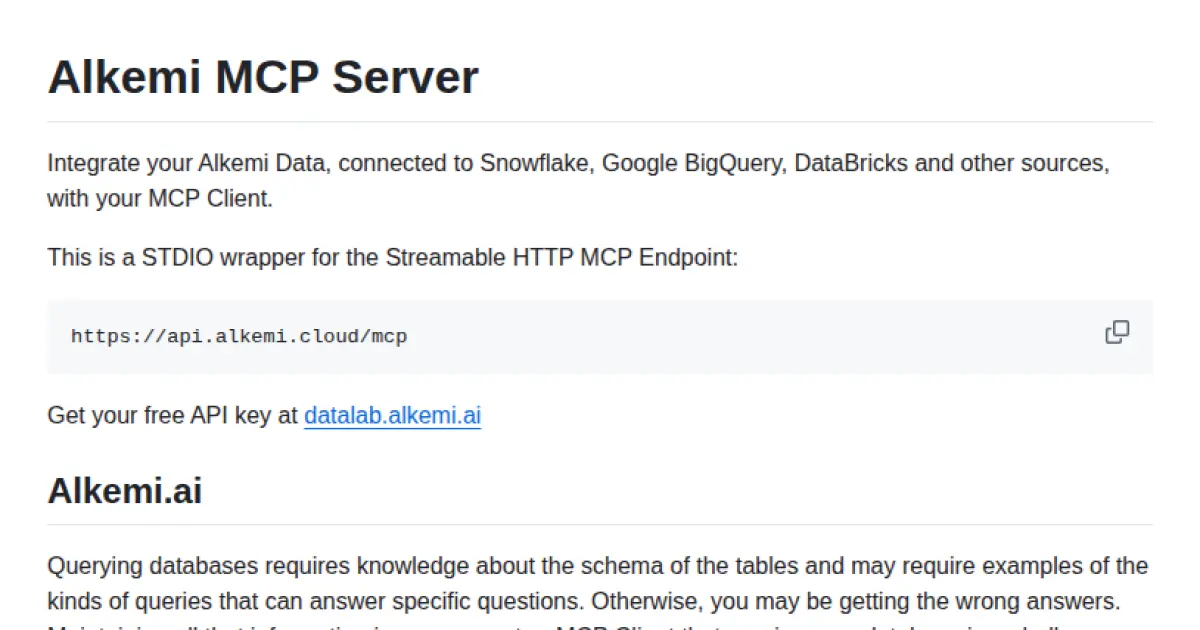
Alkemi MCP Server
Integrate Alkemi Data sources with MCP Clients for seamless, standardized data querying.
Alkemi MCP Server provides a STDIO wrapper for connecting Alkemi data sources—including Snowflake, Google BigQuery, and Databricks—with MCP Clients using the Model Context Protocol. It facilitates context sharing, database metadata management, and query generation through a standardized protocol endpoint. Shared MCP Servers allow teams to maintain consistent, high-quality data querying capabilities without needing to replicate schemas or query knowledge for each agent. Out-of-the-box integration with Claude Desktop and robust debugging tools are also included.
- ⭐ 2
- MCP
- alkemi-ai/alkemi-mcp
Didn't find tool you were looking for?