MCP Server for Cortex
Bridge Cortex threat analysis capabilities to MCP-compatible clients like Claude.
Key Features
Use Cases
README
MCP Server for Cortex
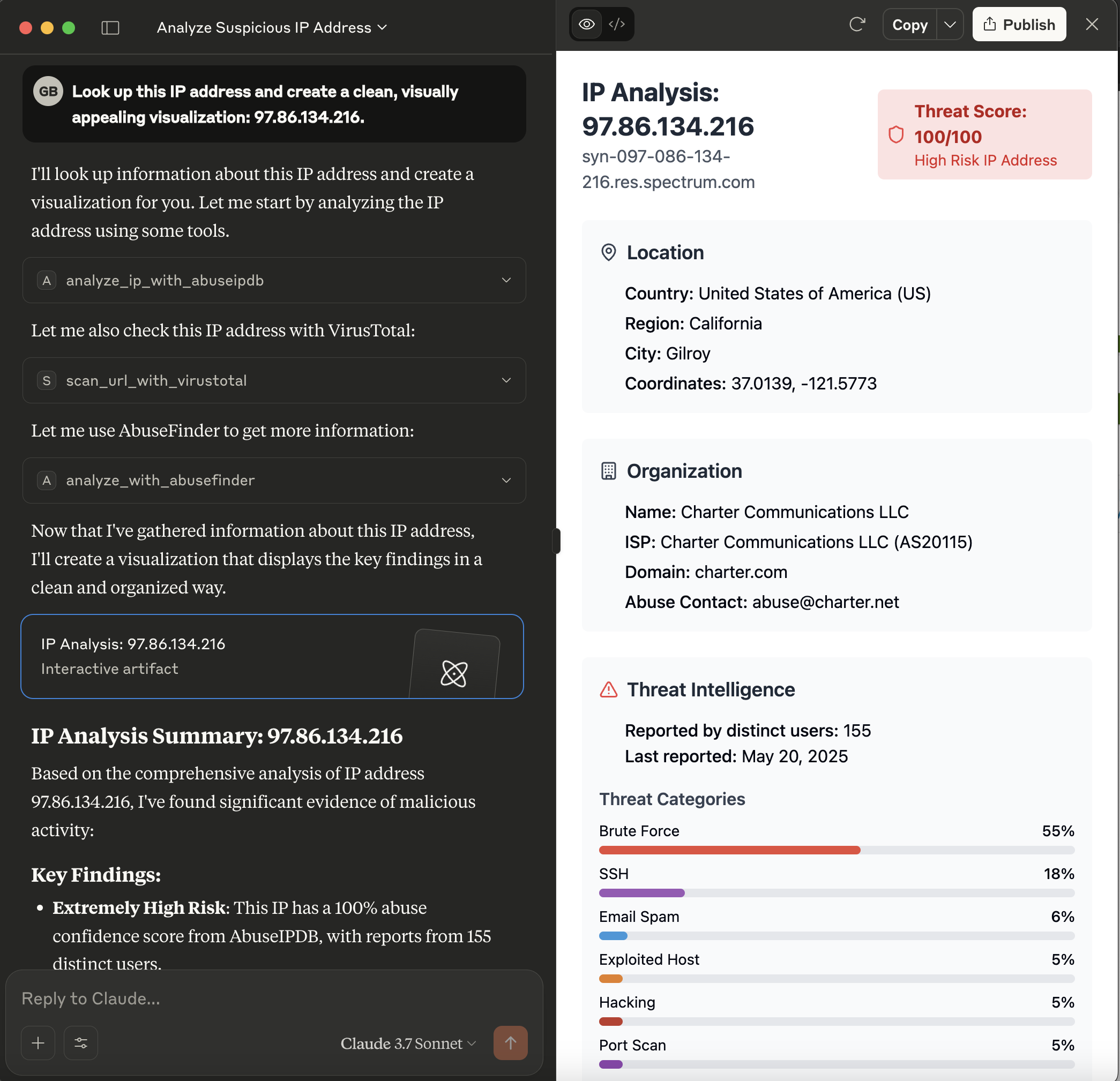
This server acts as a bridge, exposing the powerful analysis capabilities of a Cortex instance as tools consumable by Model Context Protocol (MCP) clients, such as large language models like Claude. It allows these clients to leverage Cortex analyzers for threat intelligence tasks.
What is Cortex?
Cortex is a powerful, free, and open-source observable analysis and active response engine. It allows you to analyze observables (like IPs, URLs, domains, files, etc.) using a variety of "analyzers" – modular pieces of code that connect to external services or perform local analysis.
Benefits of using Cortex (and this MCP server):
- Centralized Analysis: Run various analyses from a single point.
- Extensibility: Easily add new analyzers for different threat intelligence feeds and tools.
- Automation: Automate the process of enriching observables.
- Integration: Designed to work closely with TheHive, a Security Incident Response Platform (SIRP), but can also be used standalone.
- Security: API-key based access to protect your Cortex instance.
This MCP server makes these benefits accessible to MCP-compatible clients, enabling them to request analyses and receive structured results.
Prerequisites
- Rust Toolchain: Ensure you have Rust installed (visit rustup.rs).
- Cortex Instance: A running Cortex instance is required.
- The server needs network access to this Cortex instance.
- An API key for Cortex with permissions to list analyzers and run jobs.
- Configured Analyzers: The specific analyzers you intend to use (e.g.,
AbuseIPDB_1_0,Abuse_Finder_3_0,VirusTotal_Scan_3_1,Urlscan_io_Scan_0_1_0) must be enabled and correctly configured within your Cortex instance.
Installation
The recommended way to install the MCP Server for Cortex is to download a pre-compiled binary for your operating system.
-
Go to the Releases Page: Navigate to the GitHub Releases page.
-
Download the Binary: Find the latest release and download the appropriate binary for your operating system (e.g.,
mcp-server-cortex-linux-amd64,mcp-server-cortex-macos-amd64,mcp-server-cortex-windows-amd64.exe). -
Place and Prepare the Binary:
- Move the downloaded binary to a suitable location on your system (e.g.,
/usr/local/binon Linux/macOS, or a dedicated folder likeC:\Program Files\MCP Servers\on Windows). - For Linux/macOS: Make the binary executable:
bash
chmod +x /path/to/your/mcp-server-cortex - Ensure the directory containing the binary is in your system's
PATHif you want to run it without specifying the full path.
- Move the downloaded binary to a suitable location on your system (e.g.,
Alternatively, you can build the server from source (see the Building section below).
Configuration
The server is configured using the following environment variables:
CORTEX_ENDPOINT: The full URL to your Cortex API.- Example:
http://localhost:9000/api
- Example:
CORTEX_API_KEY: Your API key for authenticating with the Cortex instance.RUST_LOG(Optional): Controls the logging level for the server.- Example:
info(for general information) - Example:
mcp_server_cortex=debug,cortex_client=info(for detailed server logs and info from the cortex client library)
- Example:
Cortex Analyzer Configuration
For the tools provided by this MCP server to function correctly, the corresponding analyzers must be enabled and properly configured within your Cortex instance. The server relies on these Cortex analyzers to perform the actual analysis tasks.
The tools currently use the following analyzers by default (though these can often be overridden via tool parameters):
analyze_ip_with_abuseipdb: Uses an analyzer likeAbuseIPDB_1_0.- This analyzer typically requires an API key from AbuseIPDB. Ensure this is configured in Cortex.
analyze_with_abusefinder: Uses an analyzer likeAbuse_Finder_3_0.- AbuseFinder might have its own configuration requirements or dependencies within Cortex.
scan_url_with_virustotal: Uses an analyzer likeVirusTotal_Scan_3_1.- This analyzer requires a VirusTotal API key. Ensure this is configured in Cortex.
analyze_url_with_urlscan_io: Uses an analyzer likeUrlscan_io_Scan_0_1_0.- This analyzer requires an API key for urlscan.io. Ensure this is configured in Cortex.
Key Points:
- Enable Analyzers: Make sure the analyzers you intend to use are enabled in your Cortex instance's "Organization" -> "Analyzers" section.
- Configure Analyzers: Each analyzer will have its own configuration page within Cortex where you'll need to input API keys, set thresholds, or define other operational parameters. Refer to the documentation for each specific Cortex analyzer.
- Test in Cortex: It's a good practice to test the analyzers directly within the Cortex UI first to ensure they are working as expected before trying to use them via this MCP server.
If an analyzer is not configured, not enabled, or misconfigured (e.g., invalid API key), the corresponding tool call from the MCP client will likely fail or return an error from Cortex.
Example: Claude Desktop Configuration
For MCP clients like Claude Desktop, you typically configure them by specifying the command to launch the MCP server and any necessary environment variables for that server.
-
Build or Download the Server Binary: Ensure you have the
mcp-server-cortexexecutable. If you've built it from source, it will be intarget/debug/mcp_server_cortexortarget/release/mcp_server_cortex. -
Configure Your LLM Client (e.g., Claude Desktop):
-
The method for configuring your LLM client will vary depending on the client itself.
-
For clients that support MCP, you will typically need to point the client to the path of the
mcp-server-cortexexecutable. -
Example for Claude Desktop
claude_desktop_config.json: You would modify your Claude Desktop configuration file (usuallyclaude_desktop_config.json) to include an entry for this server.For instance, if your
mcp-server-cortexbinary is located at/opt/mcp-servers/mcp-server-cortex, your configuration might look like this:json{ "mcpServers": { // ... other server configurations ... "cortex": { "command": "/opt/mcp-servers/mcp-server-cortex", "args": [], "env": { "CORTEX_ENDPOINT": "http://your-cortex-instance:9000/api", "CORTEX_API_KEY": "your_cortex_api_key_here", } } // ... other server configurations ... } }
-
Available Tools
The server provides the following tools, which can be called by an MCP client:
-
analyze_ip_with_abuseipdb- Description: Analyzes an IP address using an AbuseIPDB analyzer (or a similarly configured IP reputation analyzer) via Cortex. Returns the job report if successful.
- Parameters:
ip(string, required): The IP address to analyze.analyzer_name(string, optional): The specific name of the AbuseIPDB analyzer instance in Cortex. Defaults toAbuseIPDB_1_0.max_retries(integer, optional): Maximum number of times to poll for the analyzer job to complete. Defaults to 5.
-
analyze_with_abusefinder- Description: Analyzes various types of data (IP, domain, FQDN, URL, or email) using an AbuseFinder analyzer via Cortex. Returns the job report if successful.
- Parameters:
data(string, required): The data to analyze (e.g., "1.1.1.1", "example.com", "http://evil.com/malware", "[email protected]").data_type(string, required): The type of the data. Must be one of:ip,domain,fqdn,url,mail.analyzer_name(string, optional): The specific name of the AbuseFinder analyzer instance in Cortex. Defaults toAbuse_Finder_3_0.max_retries(integer, optional): Maximum number of times to poll for the analyzer job to complete. Defaults to 5.
-
scan_url_with_virustotal- Description: Scans a URL using a VirusTotal_Scan analyzer (e.g.,
VirusTotal_Scan_3_1) via Cortex. Returns the job report if successful. - Parameters:
url(string, required): The URL to scan.analyzer_name(string, optional): The specific name of the VirusTotal_Scan analyzer instance in Cortex. Defaults toVirusTotal_Scan_3_1.max_retries(integer, optional): Maximum number of times to poll for the analyzer job to complete. Defaults to 5.
- Description: Scans a URL using a VirusTotal_Scan analyzer (e.g.,
-
analyze_url_with_urlscan_io- Description: Analyzes a URL using a Urlscan.io analyzer (e.g.,
Urlscan_io_Scan_0_1_0) via Cortex. Returns the job report if successful. - Parameters:
url(string, required): The URL to analyze.analyzer_name(string, optional): The specific name of the Urlscan.io analyzer instance in Cortex. Defaults toUrlscan_io_Scan_0_1_0.max_retries(integer, optional): Maximum number of times to poll for the analyzer job to complete. Defaults to 5.
- Description: Analyzes a URL using a Urlscan.io analyzer (e.g.,
Building
To build the server from source, ensure you have the Rust toolchain installed (as mentioned in the "Prerequisites" section).
-
Clone the repository (if you haven't already):
bashgit clone https://github.com/gbrigandi/mcp-server-cortex.git cd mcp-server-cortexIf you are already working within a cloned repository and are in its root directory, you can skip this step.
-
Build the project using Cargo:
- For a debug build:
bashThe executable will be located at
cargo buildtarget/debug/mcp-server-cortex. - For a release build (recommended for performance and actual use):
bashThe executable will be located at
cargo build --releasetarget/release/mcp-server-cortex.
- For a debug build:
After building, you can run the server executable. Refer to the "Configuration" section for required environment variables and the "Example: Claude Desktop Configuration" for how an MCP client might launch the server.
Star History
Repository Owner

User
Repository Details
Programming Languages
Tags
Join Our Newsletter
Stay updated with the latest AI tools, news, and offers by subscribing to our weekly newsletter.
Related MCPs
Discover similar Model Context Protocol servers
MCP Server for TheHive
Connect AI-powered automation tools to TheHive incident response platform via MCP.
MCP Server for TheHive enables AI models and automation clients to interact with TheHive incident response platform using the Model Context Protocol. It provides tools to retrieve and analyze security alerts, manage cases, and automate incident response operations. The server facilitates seamless integration by exposing these functionalities over the standardized MCP protocol through stdio communication. It offers both pre-compiled binaries and a source build option with flexible configuration for connecting to TheHive instances.
- ⭐ 11
- MCP
- gbrigandi/mcp-server-thehive
CipherTrust Manager MCP Server
Enables AI assistants to access CipherTrust Manager securely via the Model Context Protocol.
CipherTrust Manager MCP Server provides an implementation of the Model Context Protocol (MCP), offering AI assistants such as Claude and Cursor a unified interface to interact with CipherTrust Manager resources. Communication is facilitated through JSON-RPC over stdin/stdout, enabling key management, CTE client management, user management, and connection management functionalities. The tool is configurable via environment variables and integrates with existing CipherTrust Manager instances using the ksctl CLI for secure resource access.
- ⭐ 7
- MCP
- sanyambassi/ciphertrust-manager-mcp-server
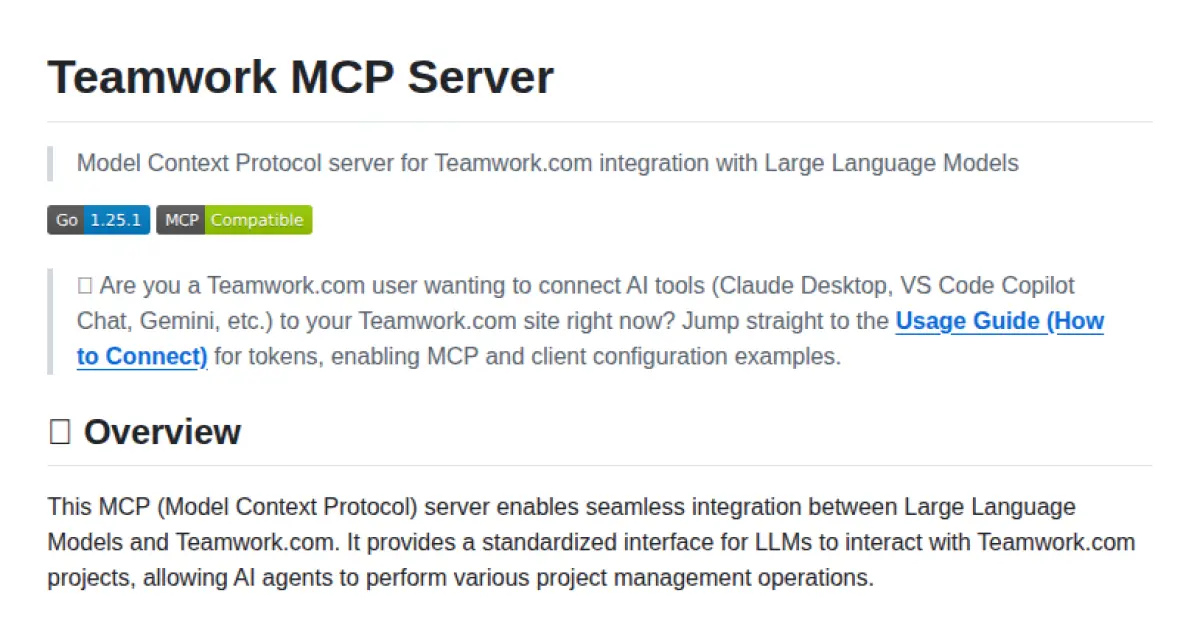
Teamwork MCP Server
Seamless Teamwork.com integration for Large Language Models via the Model Context Protocol
Teamwork MCP Server is an implementation of the Model Context Protocol (MCP) that enables Large Language Models to interact securely and programmatically with Teamwork.com. It offers standardized interfaces, including HTTP and STDIO, allowing AI agents to perform various project management operations. The server supports multiple authentication methods, an extensible toolset architecture, and is designed for production deployments. It provides read-only capability for safe integrations and robust observability features.
- ⭐ 11
- MCP
- Teamwork/mcp
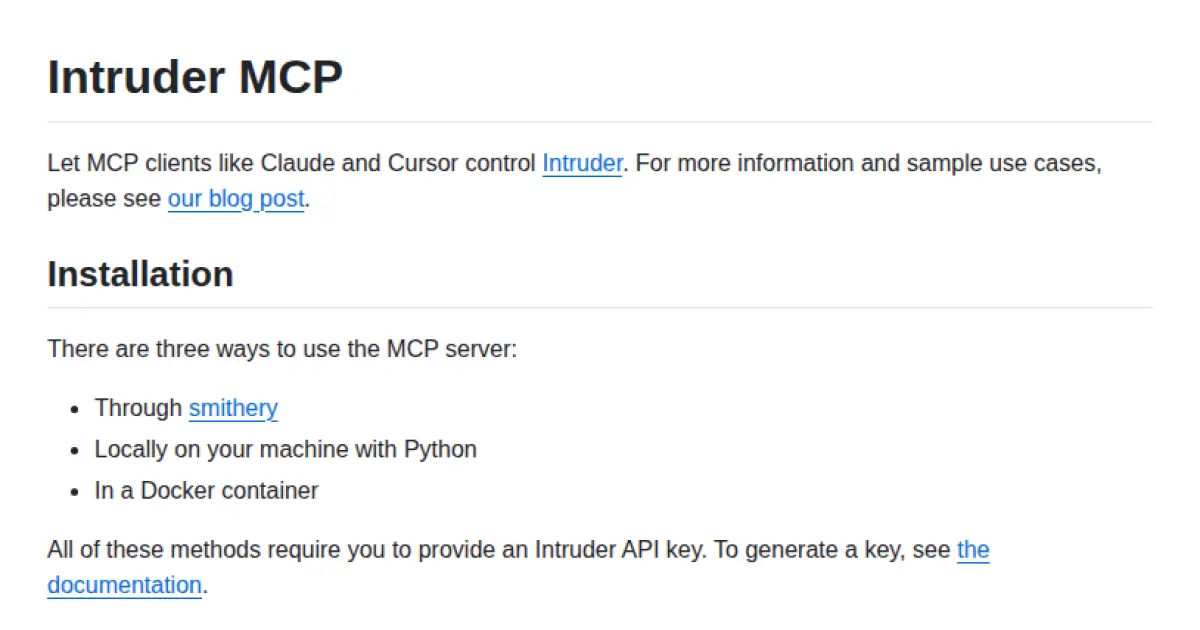
Intruder MCP
Enable AI agents to control Intruder.io via the Model Context Protocol.
Intruder MCP allows AI model clients such as Claude and Cursor to interactively control the Intruder vulnerability scanner through the Model Context Protocol. It can be deployed using smithery, locally with Python, or in a Docker container, requiring only an Intruder API key for secure access. The tool provides integration instructions tailored for MCP-compatible clients, streamlining vulnerability management automation for AI-driven workflows.
- ⭐ 21
- MCP
- intruder-io/intruder-mcp
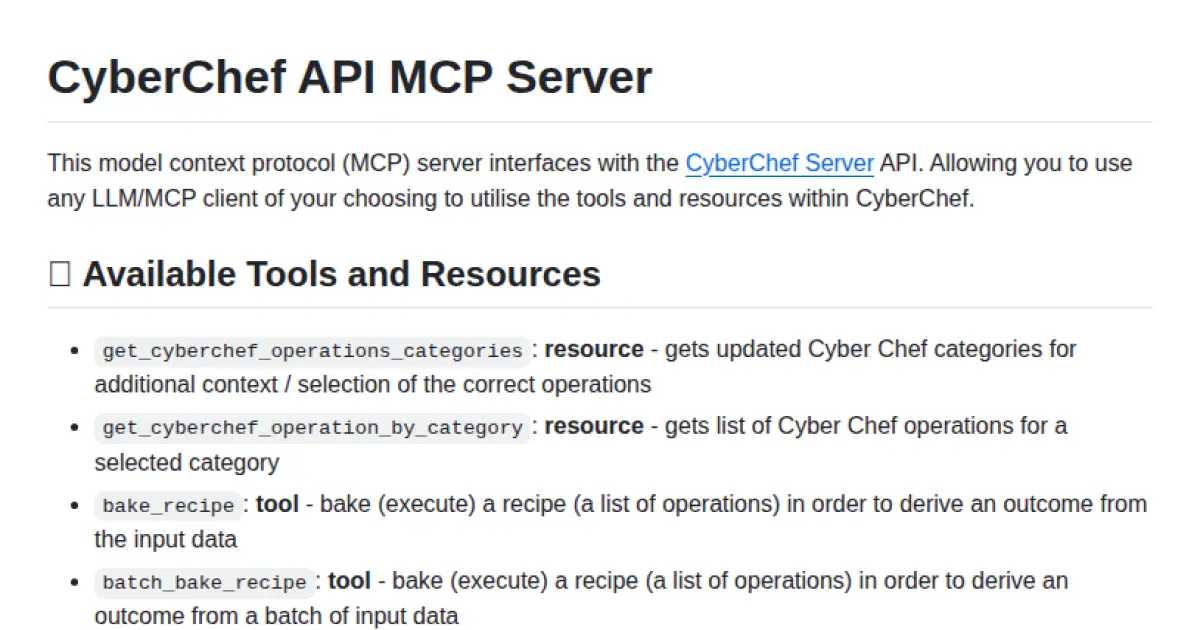
CyberChef API MCP Server
MCP server enabling LLMs to access CyberChef's powerful data analysis and processing tools.
CyberChef API MCP Server implements the Model Context Protocol (MCP), interfacing with the CyberChef Server API to provide structured tools and resources for LLM/MCP clients. It exposes key CyberChef operations such as executing recipes, batch processing, retrieving operation categories, and utilizing the magic operation for automated data decoding. The server can be configured and managed via standard MCP client workflows and supports context-driven tool invocation for large language models.
- ⭐ 29
- MCP
- slouchd/cyberchef-api-mcp-server
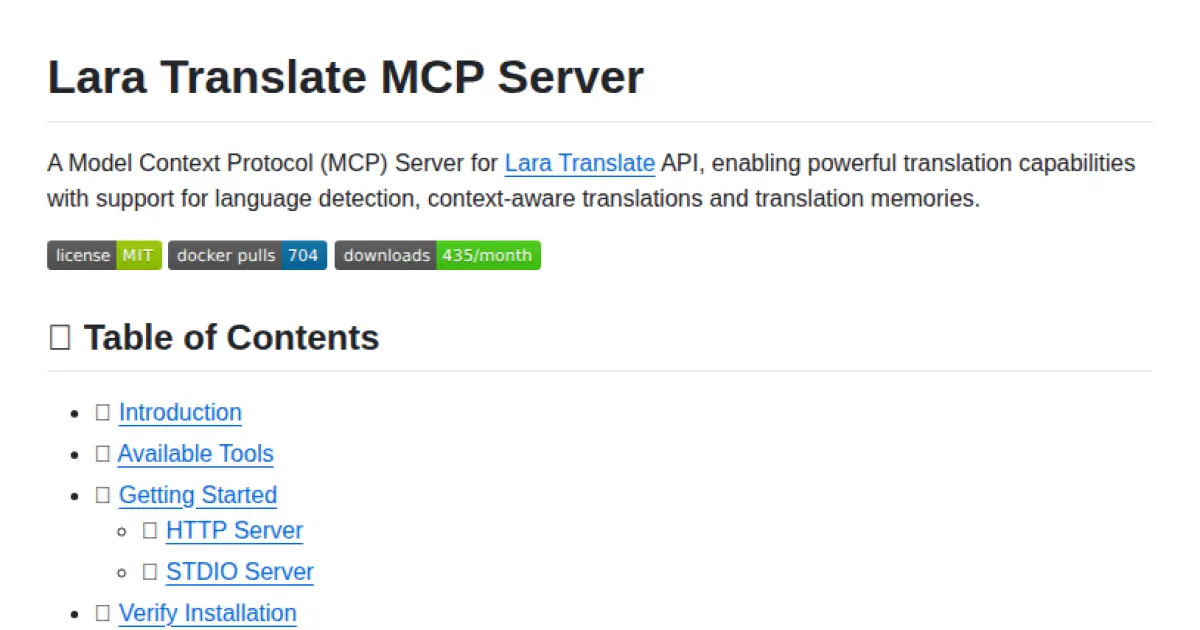
Lara Translate MCP Server
Context-aware translation server implementing the Model Context Protocol.
Lara Translate MCP Server enables AI applications to seamlessly access professional translation services via the standardized Model Context Protocol. It supports features such as language detection, context-aware translations, and translation memory integration. The server acts as a secure bridge between AI models and Lara Translate, managing credentials and facilitating structured translation requests and responses.
- ⭐ 76
- MCP
- translated/lara-mcp
Didn't find tool you were looking for?