What is ExpertSlides?
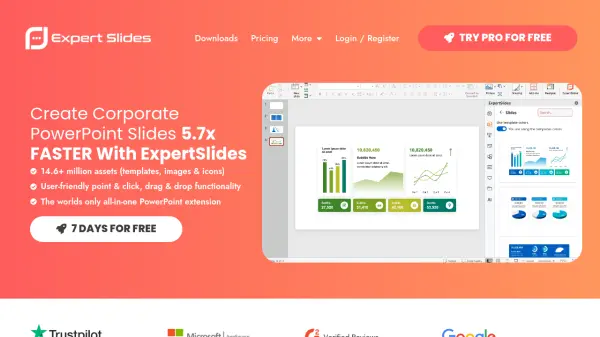
ExpertSlides functions as an integrated add-in for Microsoft PowerPoint, streamlining the process of creating professional presentations. It provides users with direct access to a vast library containing millions of design assets, including templates, high-resolution stock images, customizable icons, and GIFs, all accessible without leaving the PowerPoint interface. This integration aims to significantly reduce the time spent on sourcing visuals and formatting slides.
The tool emphasizes ease of use through features like point-and-click and drag-and-drop functionality. It allows for quick customization to align presentations with corporate identity guidelines, such as adjusting color schemes with a single click. By offering a wide range of ready-to-use templates and visual elements, ExpertSlides helps users focus more on their content and message delivery rather than complex design tasks, facilitating faster creation of polished, engaging slideshows.
Features
- PowerPoint Integration: Functions as an add-in directly within Microsoft PowerPoint.
- Vast Asset Library: Access to over 14.6 million assets including templates, images, and icons.
- Extensive Template Collection: Thousands of customizable PowerPoint templates.
- High-Resolution Stock Images: Access millions of stock images (specific count varies by plan).
- Customizable Icons & GIFs: Library of over 600,000 icons and 1 million+ GIFs.
- One-Click Corporate Identity Sync: Automatically adjust colors to match brand guidelines.
- User-Friendly Interface: Features point & click, drag & drop functionality.
- Time Efficiency: Designed to speed up presentation creation significantly (claims 5.7x faster).
Use Cases
- Creating professional corporate presentations quickly.
- Designing visually appealing slide decks.
- Enhancing presentations with stock photos and icons.
- Maintaining brand consistency across company presentations.
- Saving time on slide design and formatting.
- Accessing presentation assets directly within PowerPoint.