What is AI Buddy?
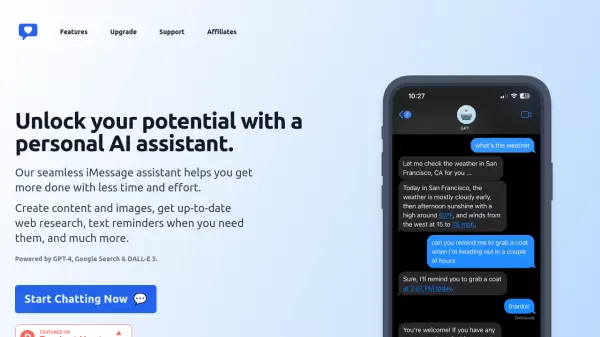
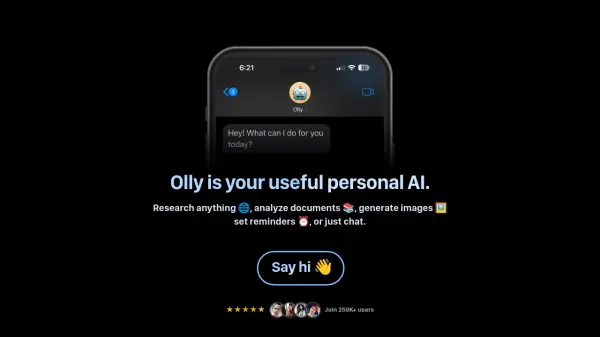
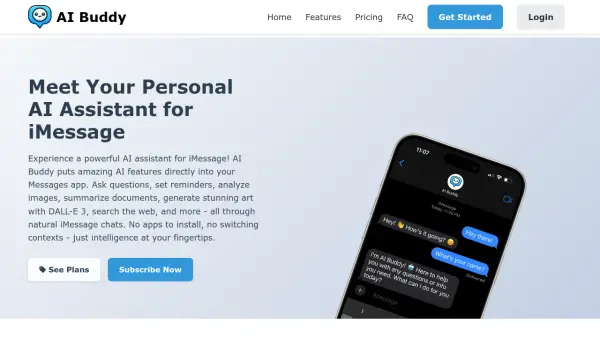
Access a versatile AI assistant directly within the Apple Messages app. AI Buddy facilitates seamless interaction without requiring users to switch applications. Engage in natural conversations to obtain information, answers, or creative assistance. The tool integrates capabilities like web searching and document analysis directly into the iMessage interface, allowing users to quickly find information or get summaries and insights from uploaded documents.
Leverage advanced AI features such as image generation powered by DALL-E 3 by simply describing the desired visual in a message. Users can also send images for instant analysis and description. Furthermore, AI Buddy functions as a productivity aid, enabling the setting of smart reminders that are delivered through iMessage notifications, helping users stay organized with tasks and appointments.
Leverage advanced AI features such as image generation powered by DALL-E 3 by simply describing the desired visual in a message. Users can also send images for instant analysis and description. Furthermore, AI Buddy functions as a productivity aid, enabling the setting of smart reminders that are delivered through iMessage notifications, helping users stay organized with tasks and appointments.
Features
- Natural Conversations: Engage in human-like chats for questions and assistance.
- Image Analysis: Send images for detailed descriptions and information.
- Image Generation (DALL-E 3): Create custom images from natural language text prompts.
- Web Search Integration: Perform web searches directly within iMessage.
- Document Processing: Summarize, extract information, or ask questions about documents sent via chat.
- Creative Assistant: Receive help with writing, brainstorming, and content generation.
- Smart Reminders: Set and receive task or appointment reminders through iMessage.
Use Cases
- Getting quick answers and information without leaving the Messages app.
- Generating unique DALL-E 3 images based on text descriptions.
- Analyzing and understanding the content of images received or sent.
- Searching the web for information during a conversation.
- Summarizing documents or extracting key points via chat.
- Brainstorming ideas or getting help with creative writing tasks.
- Setting reminders for tasks or appointments directly within iMessage.
FAQs
-
Can AI Buddy access my other messages or phone data?
No, AI Buddy only processes messages sent directly to it and cannot access other iMessage chats or phone data. -
What devices work with AI Buddy?
AI Buddy is compatible with any Apple device that supports iMessage, such as iPhones, iPads, and Macs. -
Is my conversation data private?
Yes, message data is processed securely and not stored longer than necessary to ensure user privacy. -
Can I use AI Buddy in group chats?
Currently, AI Buddy functions only in private, one-on-one chats. -
How do I cancel my subscription?
Subscriptions can be canceled at any time through the user's account settings, with access continuing until the billing period ends.