Agent skill
portfolio-maintenance
Maintains portfolio documentation following project-specific guidelines. Use when adding projects to the portfolio, updating README entries, managing git submodules, fixing documentation formatting, regenerating table of contents, or performing any portfolio-related maintenance tasks. This skill applies to Yuichi Yogo's creative coding portfolio repository.
Install this agent skill to your Project
npx add-skill https://github.com/majiayu000/claude-skill-registry/tree/main/skills/data/portfolio-maintenance
SKILL.md
Portfolio Maintenance Skill
This repository serves as the portfolio of Yuichi Yogo, showcasing various creative coding experiments and prototypes. This skill helps maintain and update the portfolio documentation consistently.
Core Principles
1. Project Organization
- Use hierarchical headings for clear organization (H2 for categories, H3 for projects)
- Group projects by technology stack (e.g. Audio/WebGL/Graphics)
- Focus on technical implementation details in descriptions
- After adding or updating entries, regenerate the table of contents:
bash
npx markdown-toc -i README.md
2. Repository Structure
The portfolio uses git submodules to manage individual projects. When adding a new project:
# 1. Create a new directory under prototypes/
# 2. Add the project as a submodule
git submodule add https://github.com/yuichkun/<project-name> prototypes/<local-name>

# Example: Image Tessellation project
git submodule add https://github.com/yuichkun/mosaic-by-image-gathering prototypes/image-tessellation
3. Asset Management
Always use absolute GitHub URLs for assets from submodules:
<!-- Good -->

<!-- Bad -->

Project Entry Format
Use this template for new project entries:
### Project Name

[🔗 Demo](URL) • [📝 Learn more](URL)
Technical description of the project, focusing on implementation details,
technologies used, and unique features.
Example Entry
### Single Motion Granular
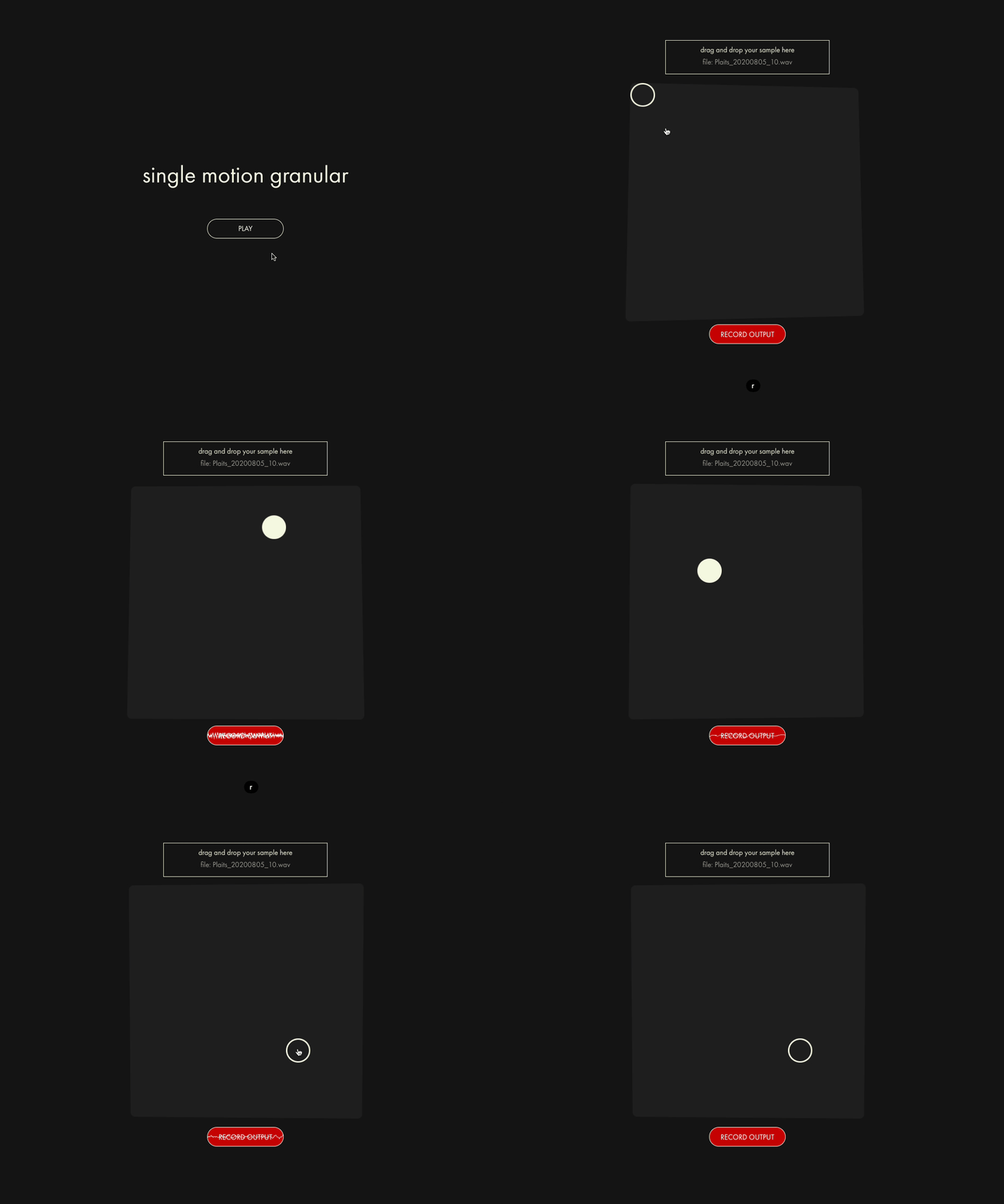
[🔗 Demo](https://kentaro-granular-web.vercel.app) • [📝 Learn more](https://github.com/yuichkun/kentaro-granular-web/blob/master/README.md)
A granular synthesis experiment with an intuitive XY pad interface. Transform audio
samples into rich, evolving textures through fluid motion control. Built with RNBO,
featuring DSP by [kentaro tools](https://kentaro.tools).
Workflow for Adding Projects
When the user asks to add a project to the portfolio:
-
Gather Information
- Project repository URL
- Local directory name under
prototypes/ - Demo URL (if available)
- GIF/image URL for demonstration
- Technical description
-
Add Submodule
- Use the git submodule command pattern above
- Commit the submodule addition
-
Update README.md
- Find the appropriate category section
- Add the project entry following the format template
- Use absolute GitHub URLs for all assets
-
Regenerate TOC
- Run
npx markdown-toc -i README.md - Commit the changes
- Run
-
Review
- Check that links work
- Verify formatting is consistent
- Ensure technical description is clear and detailed
Quality Checklist
Before completing portfolio maintenance tasks, verify:
- All asset URLs are absolute GitHub URLs
- Project entry follows the template format
- Technical description focuses on implementation details
- Demo and repository links are working
- Entry is in the correct category section
- Table of contents has been regenerated
- All changes are committed
Recommended Agent Skills
Expand your agent's capabilities with these related and highly-rated skills.
 majiayu000/claude-skill-registry
agent-ops-spec
Manage specification documents in .agent/specs/. Use when user provides requirements, acceptance criteria, or feature descriptions that need to be tracked and validated against implementation.
majiayu000/claude-skill-registry
agent-ops-state
Maintain .agent state files. Use at session start, after meaningful steps, and before concluding: read/update constitution/memory/focus/issues/baseline consistently.
majiayu000/claude-skill-registry
agent-ops-spec
Manage specification documents in .agent/specs/. Use when user provides requirements, acceptance criteria, or feature descriptions that need to be tracked and validated against implementation.
majiayu000/claude-skill-registry
agent-ops-testing
Test strategy, execution, and coverage analysis. Use when designing tests, running test suites, or analyzing test results beyond baseline checks.
majiayu000/claude-skill-registry
agent-ops-testing
Test strategy, execution, and coverage analysis. Use when designing tests, running test suites, or analyzing test results beyond baseline checks.
majiayu000/claude-skill-registry
agent-ops-state
Maintain .agent state files. Use at session start, after meaningful steps, and before concluding: read/update constitution/memory/focus/issues/baseline consistently.
Didn't find tool you were looking for?